
Skip to searchSkip to main content
SRNTS

Course Overview

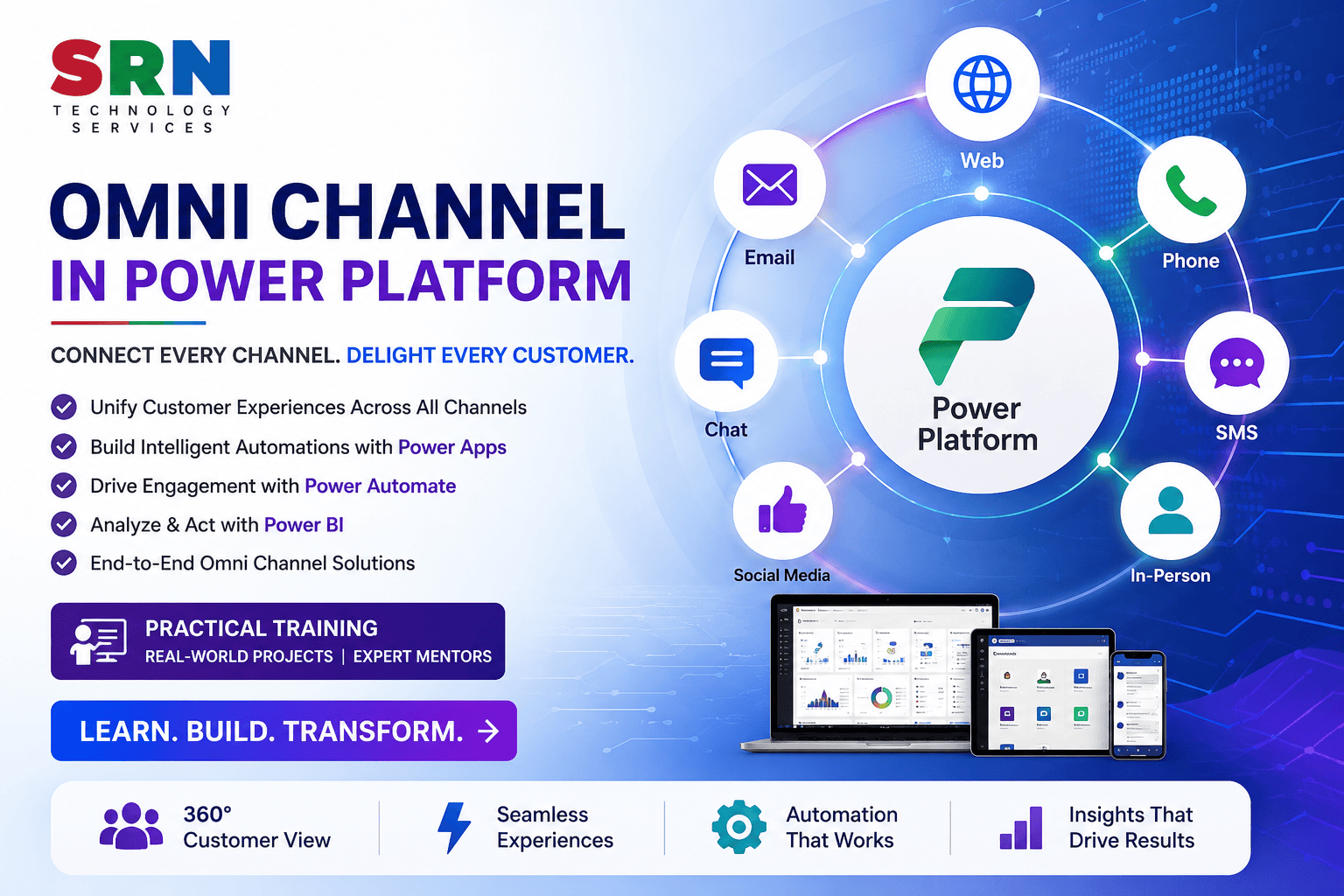
The Omni Channel Training Program is a comprehensive, industry-focused learning experience designed to equip professionals with the skills required to implement, configure, customize, and manage intelligent customer engagement solutions using Dynamics 365 Customer Service, Omnichannel for Customer Service, and Microsoft Power Platform.

This program provides hands-on training in building unified customer support experiences across multiple communication channels, including Live Chat, SMS, WhatsApp, Social Channels, Voice, and Email, while leveraging Power Apps, Power Automate, Dataverse, and AI-powered capabilities to automate processes and improve service delivery.

Participants will gain practical experience in configuring workstreams, routing rules, queues, agent experiences, chatbots, customer service workspaces, and reporting dashboards. The training focuses on real-world implementation scenarios and enterprise best practices, enabling learners to design and deploy scalable, secure, and customer-centric support solutions.

Audience

This program is ideal for:

  • Dynamics 365 Functional and Technical Consultants
  • Power Platform Developers and Consultants
  • Customer Service Administrators and Managers
  • CRM Professionals and Solution Architects
  • Business Analysts and Process Automation Specialists
  • Support Engineers and Customer Experience Professionals
  • Software Developers and Integration Specialists
  • Students and Fresh Graduates aspiring to build careers in Microsoft Business Applications
  • Working Professionals looking to upskill in Customer Service and Digital Transformation technologies

Pre-Requisites

No prior Omnichannel experience is required. However, the following knowledge will be beneficial:

  • Basic understanding of Microsoft Power Platform concepts
  • Familiarity with business processes and customer service operations
  • Understanding of Dynamics 365 fundamentals (preferred)
  • Basic knowledge of Dataverse and data management concepts
  • Understanding of workflows and automation concepts
  • Interest in customer engagement technologies and digital transformation initiatives

Key Benefits

Upon completion of this training, participants will be able to:

  • Understand end-to-end Omnichannel architecture and customer engagement strategies
  • Configure and manage enterprise-grade customer service solutions
  • Build intelligent support experiences across multiple communication channels
  • Design workstreams, queues, routing rules, and agent productivity solutions
  • Integrate Omnichannel with Power Platform and enterprise applications
  • Automate customer service processes using Power Automate
  • Implement AI-powered customer engagement and chatbot solutions
  • Monitor agent performance and customer interactions through analytics and dashboards
  • Gain hands-on experience through real-world implementation scenarios and projects
  • Develop production-ready solutions aligned with industry best practices
  • Enhance career opportunities in Dynamics 365, Customer Service, and Power Platform technologies 

Curriculam

Module 1: Introduction to Dynamics 365 Customer Service & Omnichannel (2 Hours)

Topics Covered

  • Introduction to Customer Service Management
  • Overview of Dynamics 365 Customer Service
  • Introduction to Omnichannel for Customer Service
  • Omnichannel Architecture and Components
  • Customer Journey and Engagement Models
  • Power Platform Integration Overview
  • Licensing and Environment Setup

Hands-On

  • Environment Configuration
  • Omnichannel App Installation
  • Initial Setup and Validation

Module 2: Dataverse and Customer Service Foundation (3 Hours)

Topics Covered

  • Dataverse Fundamentals
  • Customer Service Entities and Tables
  • Cases, Contacts, Accounts, and Activities
  • Security Concepts
  • Relationship Management
  • Business Process Flows
  • Customer Service Workspace Overview

Hands-On

  • Create Customer Service Data Model
  • Configure Business Process Flows
  • Setup Security Roles and Permissions

Module 3: Omnichannel Administration and Configuration (4 Hours)

Topics Covered

  • Omnichannel Administration Center
  • Channel Configuration
  • User Management
  • Agent Experience Setup
  • Presence and Capacity Management
  • Work Distribution Concepts
  • Authentication and Security Configuration

Hands-On

  • Configure Omnichannel Environment
  • Setup Users and Security
  • Configure Agent Presence Management

Module 4: Workstreams and Queue Management (4 Hours)

Topics Covered

  • Workstreams Fundamentals
  • Queue Management Concepts
  • Assignment Methods
  • Routing Strategies
  • Agent Capacity Profiles
  • Prioritization Rules
  • Escalation Management

Hands-On

  • Create Workstreams
  • Configure Queues
  • Setup Routing and Assignment Rules
  • Configure Capacity Profiles

Module 5: Live Chat Channel Implementation (4 Hours)

Topics Covered

  • Live Chat Configuration
  • Chat Widget Customization
  • Pre-Chat Surveys
  • Conversation Management
  • Chat Routing
  • Customer Authentication
  • Chat Escalation Management

Hands-On

  • Create Chat Widget
  • Configure Live Chat Channel
  • Setup Pre-Chat Forms
  • Implement Chat Routing Rules

Module 6: Digital Channels Configuration (3 Hours)

Topics Covered

  • SMS Channel Configuration
  • WhatsApp Integration Concepts
  • Social Channel Integration
  • Email Channel Management
  • Multi-Channel Engagement Strategies
  • Unified Customer Experience

Hands-On

  • Configure Digital Channels
  • Setup Customer Communication Flows
  • Test Multi-Channel Engagement Scenarios

Module 7: Power Automate Integration (3 Hours)

Topics Covered

  • Introduction to Power Automate
  • Workflow Automation Concepts
  • Automated Notifications
  • Case Escalation Flows
  • SLA-Based Automation
  • Integration with Customer Service Processes

Hands-On

  • Create Notification Flows
  • Automate Case Assignment
  • Implement Escalation Workflows

Module 8: AI and Chatbot Integration (3 Hours)

Topics Covered

  • Introduction to Conversational AI
  • Copilot Studio Integration
  • AI-Powered Customer Support
  • Intelligent Routing Concepts
  • Knowledge Search and Suggestions
  • Automated Response Generation

Hands-On

  • Build Customer Service Chatbot
  • Configure Automated Responses
  • Integrate Bot with Omnichannel Environment

Module 9: Analytics, Reporting & Dashboards (2 Hours)
Topics Covered

  • Customer Service Analytics
  • Agent Productivity Metrics
  • Queue Performance Reports
  • Dashboard Development
  • KPI Monitoring
  • Customer Satisfaction Analytics 

    Hands-On

    • Build Service Dashboards
    • Configure Reports and KPIs
    • Analyze Customer Engagement Metrics

    Module 10: Capstone Project & Deployment (2 Hours)

    End-to-End Project Development

    Features to Implement

    ✔ Omnichannel Environment Configuration
    ✔ Customer Service Workspace Setup
    ✔ Workstreams and Queue Management
    ✔ Live Chat Implementation
    ✔ Digital Channel Configuration
    ✔ Routing and Assignment Rules
    ✔ Automated Notifications and Escalations
    ✔ AI Chatbot Integration
    ✔ Analytics and Reporting Dashboards
    ✔ End-to-End Customer Service Demonstration