
Skip to searchSkip to main content
SRNTS

 Course Overview

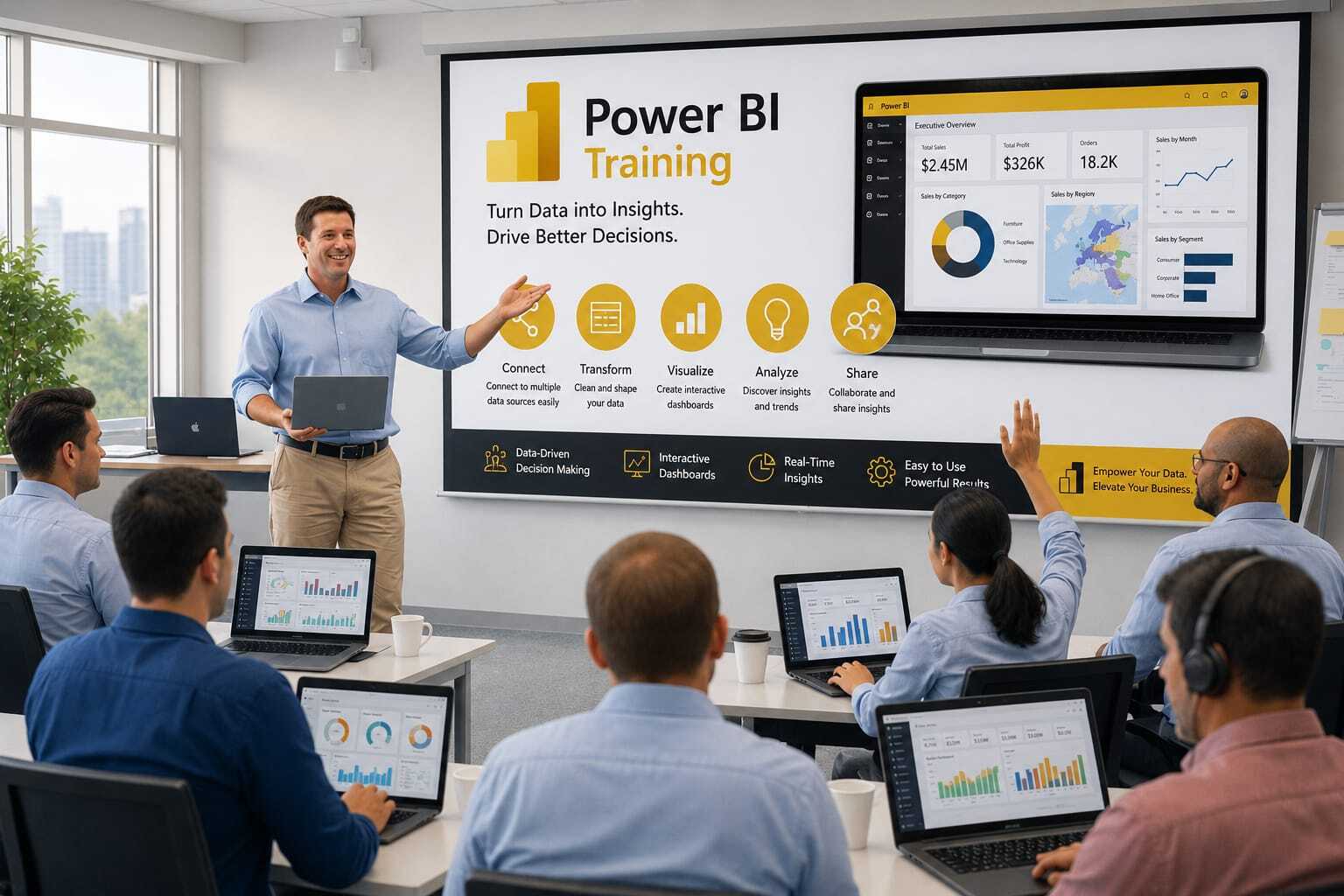
This training provides a comprehensive introduction to Power BI in the Microsoft Power Platform ecosystem. Participants will learn how to connect, transform, visualize, and analyze data using Power BI while integrating it with Power Apps, Power Automate, Dataverse, and Dynamics 365. The course covers dashboard creation, report development, data modeling, DAX fundamentals, data security, and embedding analytics into business applications.

Audience

This program is designed for:

  • Power Platform Developers
  • Business Analysts
  • Dynamics 365 Consultants
  • Data Analysts
  • Power BI Developers
  • CRM Administrators
  • Business Users and Decision Makers

Pre‑requisites

To maximize learning outcomes, participants should have:

    • Basic understanding of business data and reporting concepts
    • Familiarity with Microsoft 365 applications
    • Basic knowledge of Excel is beneficial
    • Understanding of Power Platform or Dynamics 365 is helpful but not mandatory
    • No prior Power BI experience required

 Key Benefits

  • Understand Power BI architecture and core capabilities
  • Create interactive dashboards and business reports
  • Connect to Dataverse, Dynamics 365, Excel, SQL, and other data sources
  • Transform and model data using Power Query
  • Learn DAX for calculations and business metrics
  • Embed Power BI reports into Power Apps and Dynamics 365
  • Automate reporting processes with Power Automate
  • Implement data security and governance best practices
  • Gain hands-on experience with real-world business scenarios
  • Improve decision-making through data-driven insights and analytics
  • Curriculam

    Power BI in Power Platform – 12 Hours Training Curriculum

    Module 1: Introduction to Power BI and Power Platform (1 Hour)

    • Overview of Microsoft Power Platform
    • Power BI Architecture and Components
    • Integration between Power BI, Power Apps, Power Automate, and Dataverse
    • Licensing and Environment Overview

    Module 2: Connecting to Power Platform Data Sources (2 Hours)

    • Connecting Power BI to Dataverse
    • Connecting to SharePoint Lists
    • Connecting to SQL Server and Excel
    • Import Mode vs DirectQuery
    • Data Refresh Concepts

    Module 3: Data Transformation using Power Query (2 Hours)

    • Power Query Editor
    • Data Cleaning and Transformation
    • Merge and Append Queries
    • Creating Custom Columns
    • Preparing Dataverse Data for Reporting
    • Query Optimization Techniques

    Module 4: Data Modeling and DAX (2 Hours)

    • Creating Relationships
    • Understanding Dataverse Tables and Relationships
    • Calculated Columns and Measures
    • DAX Fundamentals
    • Time Intelligence Functions
    • KPI Creation

    Module 5: Report and Dashboard Development (2 Hours)

    • Creating Interactive Reports
    • Charts, Tables, KPIs, and Cards
    • Slicers and Filters
    • Drill-Down and Drill-Through Features
    • Dashboard Design Best Practices
    • Conditional Formatting

    Module 6: Power BI Integration with Power Apps (1 Hour)

    • Embedding Power BI Reports in Canvas Apps
    • Using Power BI Tiles
    • Passing Data Context Between Power Apps and Power BI
    • Real-World Use Cases

    Module 7: Power BI Integration with Power Automate (1 Hour)

    • Triggering Power Automate Flows from Power BI
    • Automated Notifications and Alerts
    • Report Distribution Automation
    • Exporting and Sharing Reports

    Module 8: Publishing, Security, and Deployment (1 Hour)

    • Publishing Reports to Power BI Service
    • Workspace Management
    • Row-Level Security (RLS)
    • Scheduled Refresh
    • Sharing and Collaboration
    • Governance and Best Practices

    Hands-On Project

    • Connect Power BI to Dataverse
    • Transform and Model Business Data
    • Create Interactive Dashboards
    • Embed Dashboard into a Power App
    • Trigger Power Automate Flows from Reports
    • Publish and Secure the Solution

    Training Outcome
    Participants will learn how to build business intelligence solutions using Power BI within the Microsoft Power Platform ecosystem, integrate reports with Power Apps and Power Automate, work with Dataverse data, and deploy secure, enterprise-ready reporting solutions.


    Enrollment Form

    If you have no pending queries and feel confident after completing the trainer assessment session and reviewing earlier batch recordings, please proceed by filling out the form below to officially enroll in the SRNTS Training Program.

    • Are you interested to receive training related update over Whatspp & Gmail *

    💬 Need Assistance?

    If you have any questions about the training program or the enrollment process, our support team is here to help. You can reach us through the following channels:

    • 📱 WhatsApp Chat – Quick and convenient messaging support

    • 📞 Direct Call – Speak with our team instantly

    • 📧 Email Support – Get detailed assistance via mail