Project Overview
Project Name
SRNTS Learning, Placement & Corporate Training Management System
Business Scenario
SRNTS is a global training organization that provides:
- Corporate Training
- Individual Training
- Placement Services
- Job Support Services
- Certification Programs
The organization wants to replace multiple Excel sheets, emails, and manual processes with a centralized Power Platform solution.
The solution must support:
- Lead Management
- Student Admissions
- Course Management
- Fee Management
- Attendance Tracking
- Placement Management
- Referral Management
- Corporate Training Requests
- Support Ticket Management
- Reporting & Analytics
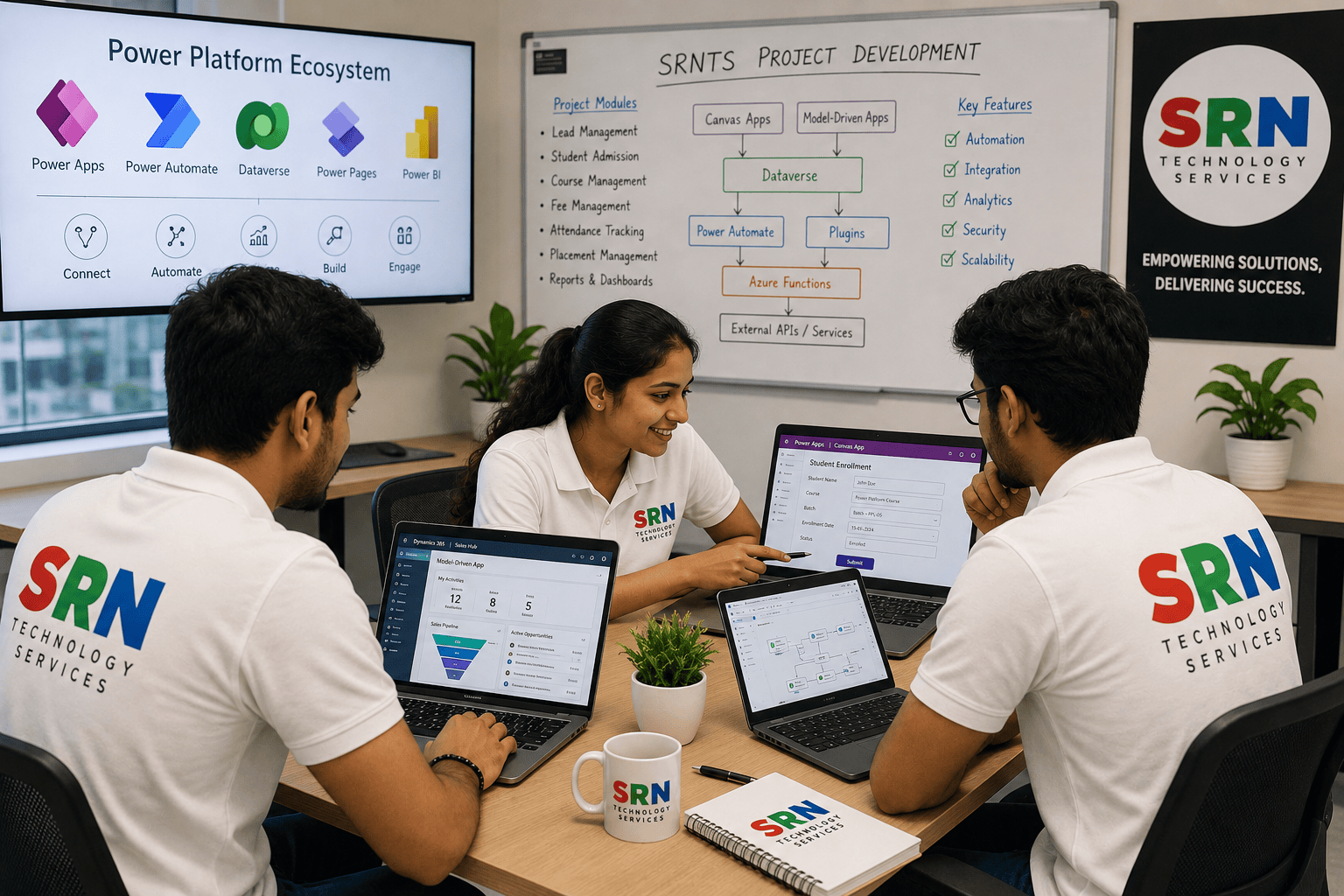
Solution Architecture
Power Pages
      |
Canvas Apps
      |
Model Driven Apps
      |
Dataverse
      |
-----------------------------------------
|          |           |                |
Plugins  Power Automate  JavaScript  Custom APIs
      |
Azure Functions
      |
External APIs
Project Modules
Module 1: Lead Management System
Requirement
Capture leads from:
- Website
- Power Pages
- Manual Entry
- Marketing Campaigns
Features
- Lead Qualification
- Lead Assignment
- Lead Scoring
- Follow-Up Tracking
Skills Covered
- Dataverse
- Business Rules
- Power Automate
Module 2: Student Admission Process
Requirement
Manage complete student admission lifecycle.
Stages
- Inquiry
- Counseling
- Registration
- Enrollment
- Payment
- Batch Allocation
Skills Covered
- Business Process Flow
- Model-Driven Apps
- Dataverse Relationships
Module 3: Course Management
Requirement
Manage training courses.
Features
- Course Catalog
- Fees
- Duration
- Trainers
- Prerequisites
Skills Covered
- Dataverse Design
- Security
Module 4: Batch Management
Requirement
Manage training batches.
Features
- Batch Capacity
- Schedule
- Trainer Assignment
Skills Covered
- Relationships
- Validation Logic
Module 5: Student Portal (Power Pages)
Requirement
Students should:
- Register
- Enroll
- Download Certificates
- Track Placements
Skills Covered
- Power Pages
- Web Roles
- Table Permissions
- Liquid
Module 6: Fee Collection System
Requirement
Track:
- Total Fees
- Installments
- Pending Amounts
Skills Covered
- Calculations
- Rollup Fields
- Power Automate
Module 7: Attendance Management
Requirement
Trainers mark attendance through mobile app.
Skills Covered
- Canvas App
- Offline Capability
- Mobile Design
Module 8: Placement Management
Requirement
Track:
- Job Openings
- Applications
- Interviews
- Placements
Skills Covered
Module 9: Referral Management
Requirement
Students refer new candidates.
Features
- Referral Tracking
- Referral Bonus Calculation
Skills Covered
Module 10: Corporate Training Management
Requirement
Corporate customers submit training requests.
Features
- Requirement Gathering
- Proposal Management
- Trainer Allocation
Skills Covered
- Power Pages
- Approval Workflows
Advanced Development Requirements
Module 11: Plugin Development
Requirement
Validate batch capacity before enrollment.
Scenario
Maximum capacity = 30
Prevent additional registrations.
Concepts
- Pre-Validation Plugin
- Exception Handling
Module 12: Auto Student ID Generation
Requirement
Generate IDs:
STU-2026-00001
STU-2026-00002
Concepts
Module 13: Fee Discount Approval
Requirement
Discount above 20% requires manager approval.
Concepts
Module 14: Course Recommendation Engine
Requirement
Suggest courses based on:
- Skills
- Experience
- Interests
Concepts
- Custom API
- Azure Functions
Module 15: External LMS Integration
Requirement
Create LMS account after enrollment.
Concepts
- API Integration
- Custom Connector
JavaScript Requirements
Module 16
Dynamic Form Behavior
Show/Hide fields based on:
Concepts
Module 17
Duplicate Validation
Prevent duplicate:
Concepts
Module 18
Ribbon Customization
Buttons:
- Generate Certificate
- Create Placement Record
Concepts
Power Automate Requirements
Module 19
Enrollment Workflow
After enrollment:
- Send Email
- Send WhatsApp
- Notify Trainer
Concepts
Module 20
Payment Reminder Process
Send reminders before due dates.
Concepts
Module 21
Placement Notification
Notify students about matching jobs.
Concepts
Canvas App Requirements
Module 22
Trainer Mobile App
Features:
- Attendance
- Batch Details
- Student Information
Concepts
Module 23
Placement Team App
Features:
- Job Posting
- Interview Scheduling
Concepts
Power Pages Requirements
Module 24
Student Self-Service Portal
Features:
- Profile Management
- Enrollment Tracking
- Certificate Downloads
Concepts
- Authentication
- Authorization
Module 25
Recruiter Portal
Features:
- Job Posting
- Candidate Search
- Resume Download
Concepts
- Table Permissions
- Liquid Templates
Integration Requirements
Module 26
WhatsApp Integration
Send:
- Enrollment Confirmation
- Interview Updates
Concepts
Module 27
Payment Gateway Integration
Integrate:
Concepts
Module 28
Microsoft Teams Integration
Create interview meetings automatically.
Concepts
Reporting & Analytics
Module 29
Management Dashboard
KPIs:
- Total Students
- Revenue
- Placements
- Trainer Utilization
Concepts
- Power BI
- Dataverse Reporting
Module 30
Placement Analytics
Metrics:
- Placement Rate
- Highest Package
- Technology Trends
Concepts
Security Requirements
Module 31
Security Model
Roles:
- Admin
- Counselor
- Trainer
- Placement Team
- Student
Concepts
- Security Roles
- Business Units
Module 32
Record-Level Security
Students should only see their own records.
Concepts
ALM & Deployment
Module 33
Solution Management
- Managed Solutions
- Unmanaged Solutions
Concepts
Module 34
Environment Strategy
- Development
- UAT
- Production
Concepts
Module 35
CI/CD Pipeline
Automate deployments.
Concepts
- Azure DevOps
- GitHub Actions
Real-Time Deliverables
Participants will create:
Dataverse
- 20+ Custom Tables
- Relationships
- Business Rules
Model-Driven App
Canvas App
- Trainer Mobile Application
Power Pages
- Student & Recruiter Portal
Power Automate
Plugins
- 5+ Real-Time Business Validations
JavaScript
- Form Scripts
- Ribbon Commands
Integrations
- LMS
- WhatsApp
- Payment Gateway
- Teams
Training Outcome
By the end of this project, participants will be able to:
- Design and implement an end-to-end enterprise Power Platform solution.
- Build Model-Driven Apps, Canvas Apps, and Power Pages applications.
- Develop Plugins, JavaScript customizations, and Power Automate workflows.
- Integrate Power Platform with external systems using APIs.
- Implement security, ALM, and deployment strategies.
- Handle real-world business requirements commonly seen in Dynamics 365 CE and Power Platform projects.