
Course Overview
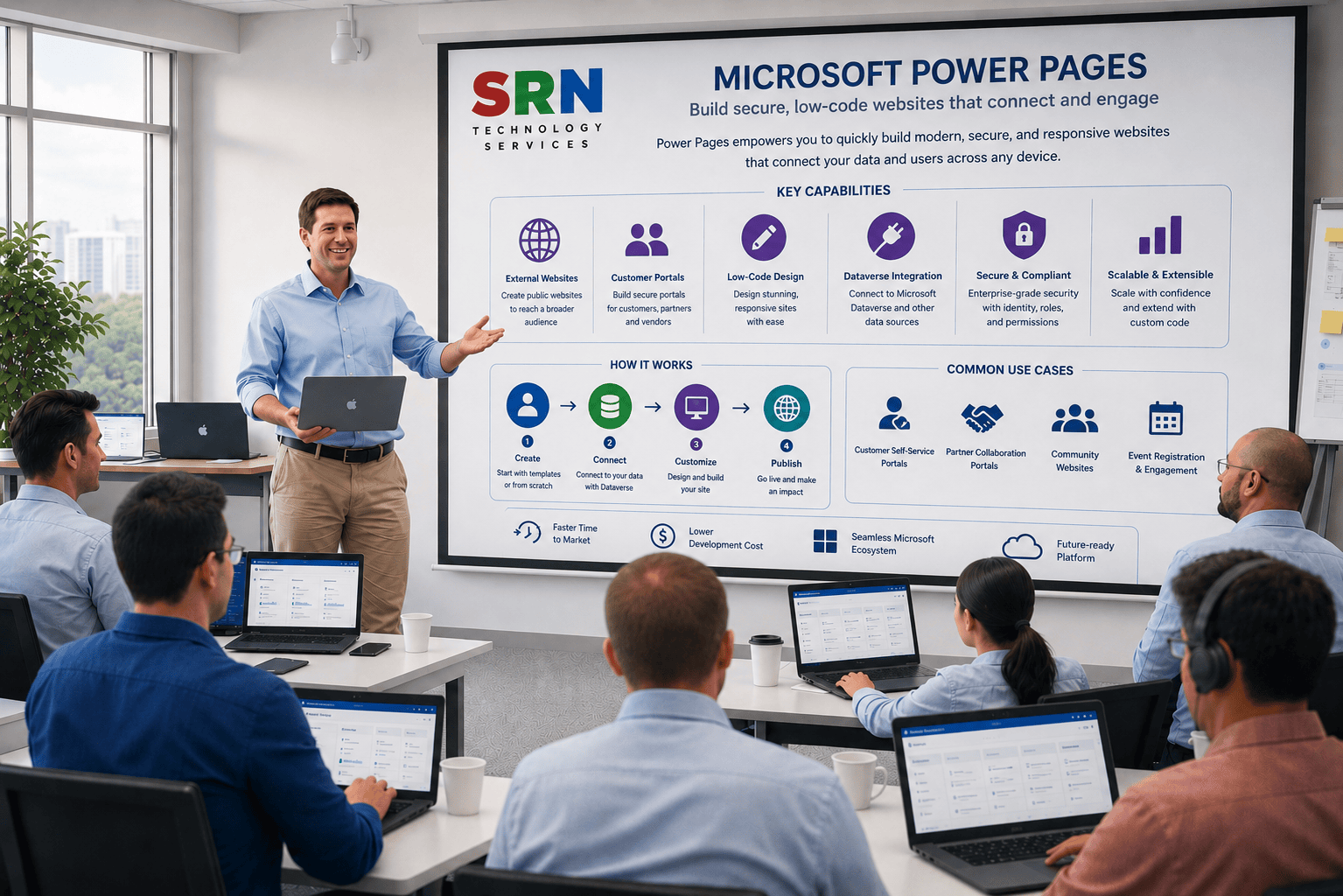
This training provides a comprehensive introduction to Microsoft Power Pages, a low-code platform for creating secure, scalable, and data-driven business websites. Participants will learn how to build, customize, and manage external-facing websites integrated with Microsoft Dataverse and Power Platform services. The course covers website creation, web pages, forms, lists, authentication, security, web roles, Liquid templates, and integrations with Power Apps, Power Automate, and Dynamics 365.
Audience
This program is designed for:
- Power Platform Developers
- Web Developers
- Functional Consultants
- Dynamics 365 Consultants
- Business Analysts
- Solution Architects
- IT Professionals involved in portal and website development
Pre‑requisites
To maximize learning outcomes, participants should have:
- Basic understanding of Power Platform concepts
- Familiarity with Microsoft Dataverse is beneficial
- Basic knowledge of web technologies (HTML, CSS, JavaScript) is helpful
- Understanding of business processes and data management
- No prior Power Pages experience required
Key Benefits
- Understand Power Pages architecture and core capabilities
- Build secure external-facing business websites with minimal coding
- Integrate websites with Microsoft Dataverse and Dynamics 365
- Create forms, lists, and data-driven user experiences
- Configure authentication, authorization, and web roles
- Automate website processes using Power Automate
- Customize portals using Liquid templates, HTML, CSS, and JavaScript
- Implement enterprise-grade security and governance practices
- Gain hands-on experience through real-world website development scenarios
- Build scalable customer, partner, and employee portals using Microsoft Power Platform technologies
Curriculam
Enrollment Form
If you have no pending queries and feel confident after completing the trainer assessment session and reviewing earlier batch recordings, please proceed by filling out the form below to officially enroll in the SRNTS Training Program.
Need Assistance?
If you have any questions about the training program or the enrollment process, our support team is here to help. You can reach us through the following channels:
📱 WhatsApp Chat – Quick and convenient messaging support
📞 Direct Call – Speak with our team instantly
📧 Email Support – Get detailed assistance via mail