
Skip to searchSkip to main content
SRNTS

Course Overview

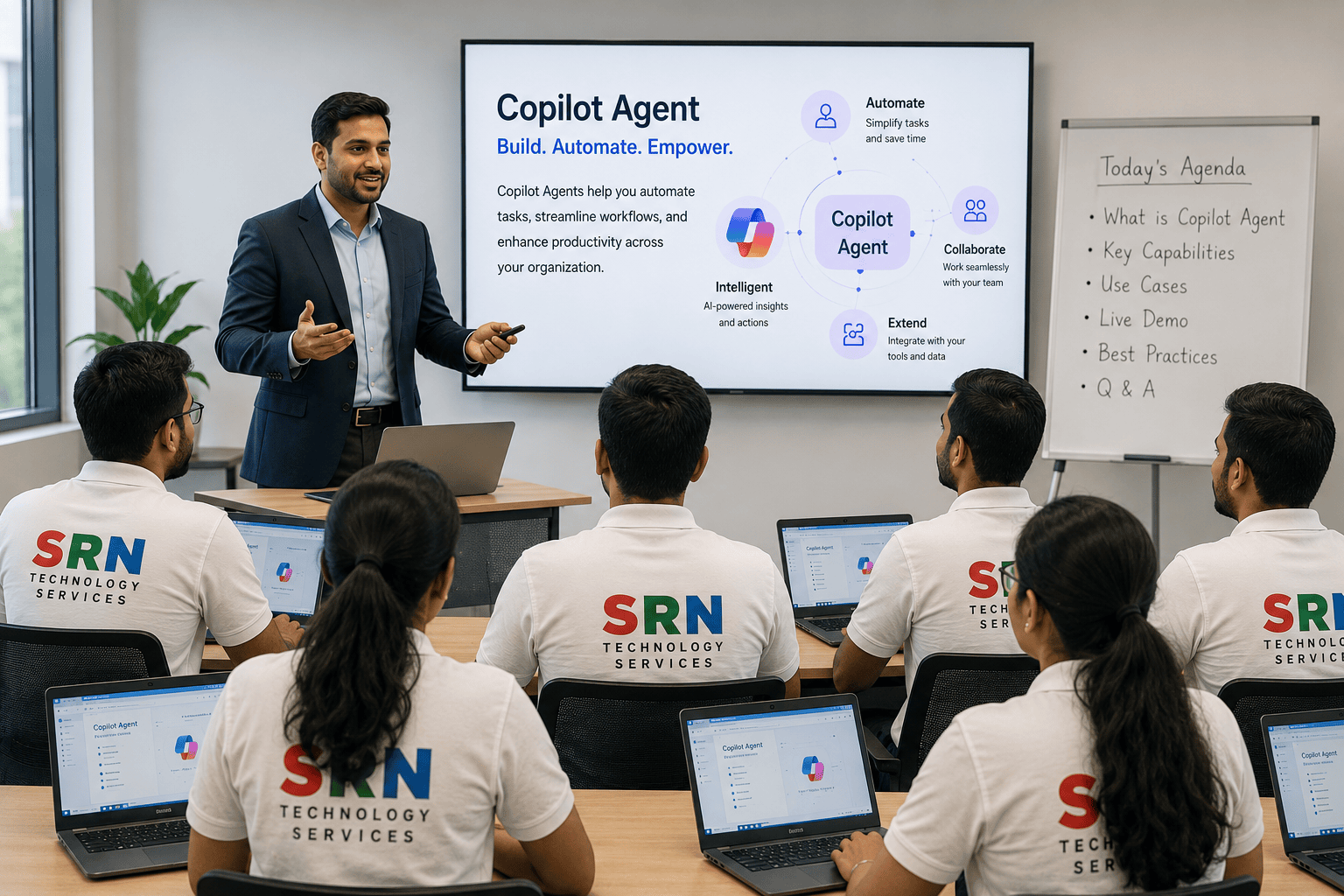
The Copilot Agent Training Program is a comprehensive, industry-focused training designed to help professionals build, customize, and deploy intelligent AI agents using Microsoft Copilot technologies and modern AI frameworks. This program provides hands-on experience in developing autonomous and conversational AI agents capable of understanding user intent, reasoning over enterprise data, executing actions, and automating complex business processes.

Participants will learn how to design and implement AI agents that can interact with users, connect to business applications, retrieve information from multiple data sources, and perform tasks with minimal human intervention. The training emphasizes real-world enterprise scenarios, agent orchestration, governance, security, and best practices for building scalable and production-ready AI solutions.

Audience

This program is ideal for:

  • Power Platform Developers and Consultants

  • Dynamics 365 Functional and Technical Consultants

  • Software Developers and Full-Stack Developers

  • Solution Architects and Cloud Engineers

  • Business Analysts and Process Automation Specialists

  • AI and Generative AI Enthusiasts

  • Technology Professionals seeking AI upskilling opportunities

  • Students and Fresh Graduates aspiring to build careers in Artificial Intelligence

Pre-Requisites

No prior AI development experience is required. However, the following knowledge will be beneficial:

  • Basic understanding of Microsoft Power Platform concepts

  • Familiarity with business processes and workflow automation

  • Understanding of APIs and system integrations

  • Basic knowledge of databases and data management

  • Interest in Artificial Intelligence and Generative AI technologies

  • Willingness to learn enterprise AI solution development

Key Learning Outcomes

Upon completion of this training, participants will be able to:

  • Understand the fundamentals of AI Agents and Agentic AI concepts

  • Design and build intelligent Copilot Agents for enterprise scenarios

  • Create conversational and task-oriented AI agents

  • Implement Prompt Engineering and reasoning techniques

  • Integrate enterprise knowledge and external data sources

  • Connect AI agents with business applications and APIs

  • Automate workflows and business processes using intelligent agents

  • Design multi-step and decision-based agent workflows

  • Implement security, governance, and Responsible AI principles

  • Monitor, optimize, and manage agent performance

  • Build scalable, production-ready AI agent solutions

  • Develop real-world projects suitable for professional portfolios and enterprise implementations

Training Highlights

✔ Instructor-Led Live Interactive Sessions
✔ Industry-Oriented and Updated Curriculum
✔ Hands-On Labs and Practical Exercises
✔ Real-Time Enterprise Use Cases and Projects
✔ End-to-End AI Agent Development Approach
✔ Prompt Engineering and Agent Design Methodologies
✔ Enterprise Integration and Automation Scenarios
✔ Session Recordings and Learning Resources
✔ Certificate of Completion
✔ Resume Building and Interview Preparation Guidance
✔ Placement Assistance and Career Support

Why Choose This Training?

The Copilot Agent Training Program goes beyond theoretical concepts by focusing on practical implementation and real-world business scenarios. Learners gain hands-on experience in building intelligent agents that can understand natural language, make decisions, retrieve information, and perform business actions autonomously.

By the end of this program, participants will possess the skills and confidence required to design, develop, and deploy enterprise-grade AI agents that enhance productivity, improve customer experiences, and accelerate digital transformation initiatives.

Module 1: Introduction to AI Agents and Copilot Agents (2 Hours)

Topics Covered

  • Introduction to Artificial Intelligence and Generative AI
  • Evolution of AI Agents and Agentic AI
  • Understanding Microsoft Copilot Agents
  • Agent Architecture and Components
  • Business Use Cases and Enterprise Applications
  • Power Platform Integration Overview
  • Agent Development Lifecycle

Hands-On

  • Environment Setup
  • Explore Microsoft Copilot Studio
  • Create First Copilot Agent
  • Understand Agent Components

Module 2: Agentic AI Fundamentals (3 Hours)

Topics Covered

  • Introduction to Agentic AI
  • Agent Design Principles
  • Autonomous Decision-Making Concepts
  • Planning and Reasoning Models
  • Context Management and Memory
  • Human-in-the-Loop Concepts
  • Enterprise Agent Patterns

Hands-On

  • Design Agent Architecture
  • Create Business Agent Workflows
  • Configure Agent Memory
  • Build Context-Aware Responses

Module 3: Conversational Agent Development (4 Hours)

Topics Covered

  • Conversational AI Fundamentals
  • Topic-Based Conversations
  • Intent Recognition
  • Entity Extraction
  • Multi-Turn Conversations
  • Variables and Conditions
  • Conversation State Management
  • Error Handling and Recovery

Hands-On

  • Build Customer Support Agent
  • Configure Topics and Triggers
  • Create Dynamic Conversations
  • Implement Multi-Step Interactions

Module 4: Prompt Engineering for AI Agents (3 Hours)

Topics Covered

  • Introduction to Prompt Engineering
  • Prompt Design Principles
  • Zero-Shot and Few-Shot Prompting
  • Dynamic Prompt Construction
  • Chain-of-Thought Prompting
  • Context Grounding
  • Prompt Optimization and Security

Hands-On

  • Create Prompt Templates
  • Design Context-Aware Prompts
  • Optimize AI Responses
  • Implement Business Scenarios

Module 5: Dataverse and Enterprise Data Integration (3 Hours)

Topics Covered

  • Microsoft Dataverse Fundamentals
  • Data Modeling for AI Agents
  • Knowledge Management
  • Enterprise Data Integration
  • Data Retrieval and Storage
  • Context Preservation Techniques
  • Security and Governance

Hands-On

  • Create Dataverse Tables
  • Store Agent Conversations
  • Retrieve Business Data
  • Build Knowledge Repository

Module 6: Power Automate Integration and Workflow Automation (4 Hours)

Topics Covered

  • Introduction to Power Automate
  • Triggering Flows from Copilot Agents
  • Business Process Automation
  • Approvals and Notifications
  • Task Automation
  • Integration with External Systems
  • Enterprise Automation Scenarios

Hands-On

  • Build Automated Approval Process
  • Create Notification Flows
  • Implement Business Workflows
  • Integrate External Applications

Module 7: Actions, APIs and External System Integration (3 Hours)

Topics Covered

  • Introduction to Actions
  • Custom Actions Development
  • REST APIs and Custom Connectors
  • Enterprise Application Integration
  • Authentication and Authorization
  • API Security Best Practices
  • Reusable Agent Components

Hands-On

  • Create Custom Actions
  • Integrate REST APIs
  • Configure Custom Connectors
  • Connect External Business Systems

Module 8: Intelligent Agents and Multi-Step Task Execution (3 Hours)

Topics Covered

  • Intelligent Task Execution
  • Decision-Making Models
  • Multi-Step Business Processes
  • Agent Orchestration Techniques
  • Productivity and Automation Scenarios
  • Enterprise Agent Design Patterns
  • Performance Optimization

Hands-On

  • Build Employee Self-Service Agent
  • Create Task Automation Agent
  • Develop Decision Support Assistant
  • Implement Multi-Step Workflows

Module 9: Security, Governance and Monitoring (2 Hours)

Topics Covered

  • Agent Security and Access Management
  • Authentication and Authorization
  • Responsible AI Principles
  • Data Privacy and Compliance
  • Environment Management
  • Monitoring and Analytics
  • Performance and Cost Optimization

Hands-On

  • Configure Security Policies
  • Implement Governance Controls
  • Monitor Agent Usage
  • Optimize Agent Performance

Module 10: Capstone Project – End-to-End Enterprise Copilot Agent Solution (3 Hours)

Project Objective

Develop an enterprise-grade Copilot Agent capable of automating business tasks, retrieving enterprise data, and executing workflows using Microsoft Power Platform.

Features to Implement

✔ Employee Self-Service Agent
✔ Knowledge-Based Conversational Assistant
✔ Dataverse Integration
✔ Workflow Automation using Power Automate
✔ Dynamic Prompt Engineering
✔ External System Integration through APIs
✔ Intelligent Task Execution
✔ Automated Notifications and Approvals
✔ Security and Governance Implementation

✔ End-to-End Deployment and Demonstration