
Skip to searchSkip to main content
SRNTS

Course Overview

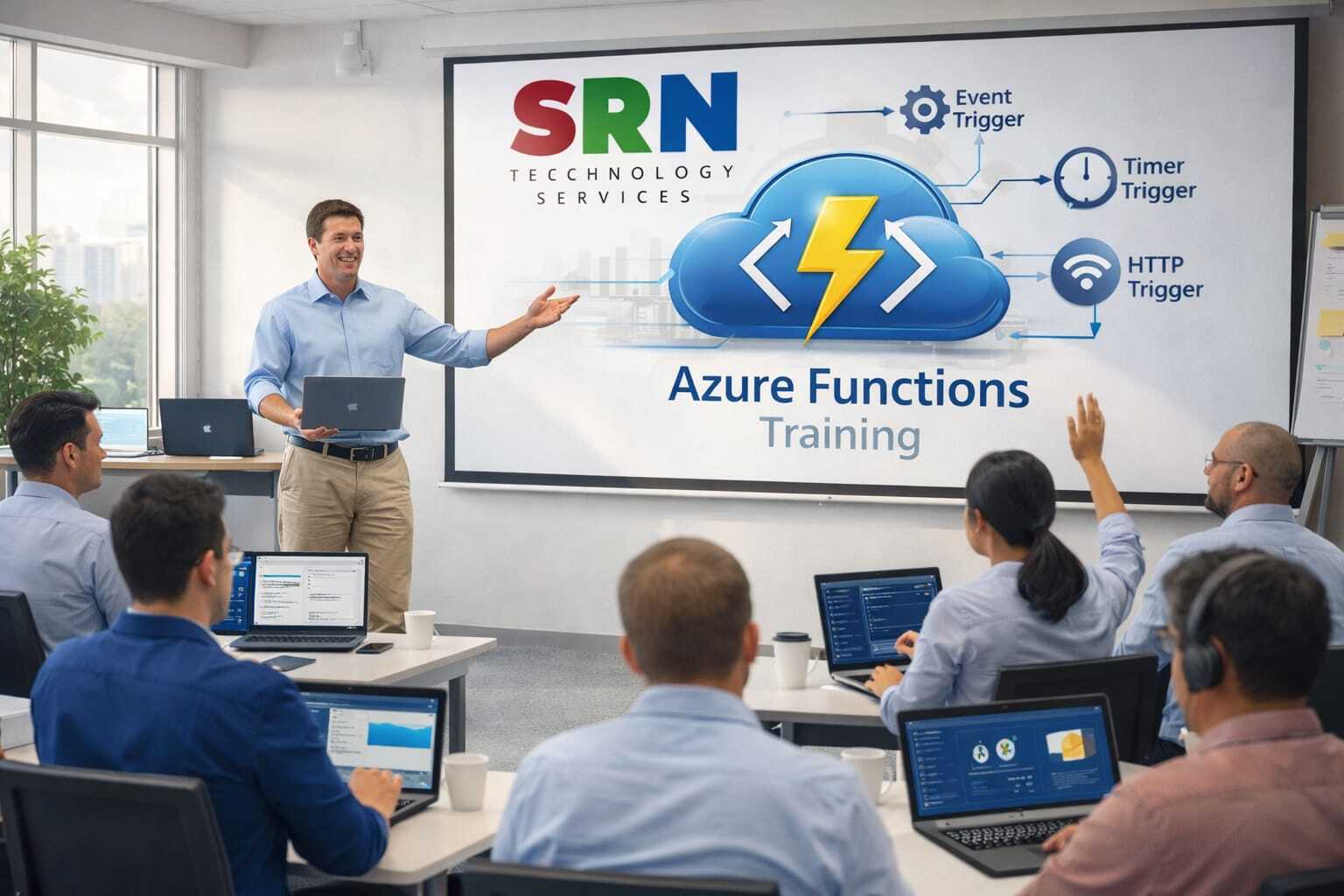
This training offers a comprehensive, hands‑on journey into Azure Functions, focusing on how serverless computing can extend and enhance Power Platform solutions. Participants will learn to design, deploy, and manage event‑driven functions that integrate seamlessly with Dynamics 365 CE, Power Apps, and Power Automate. The course emphasizes real‑world scenarios, empowering professionals to build scalable, cost‑efficient, and future‑ready applications.

Audience

This program is designed for:

  • Power Platform Developers seeking to add advanced automation and custom logic.

  • Dynamics 365 CE Consultants aiming to deliver smarter, integrated solutions.

  • Cloud Engineers & IT Professionals looking to master serverless architecture.

  • Solution Architects & Business Analysts who want to design data‑driven, intelligent workflows.

Pre‑requisites

To maximize learning outcomes, participants should have:

  • Basic knowledge of Power Platform components (Power Apps, Power Automate, Power BI).

  • Familiarity with Dynamics 365 CE concepts.

  • Fundamental understanding of Azure services and cloud computing.

  • Exposure to C# or JavaScript is beneficial, though not mandatory.

Key Benefits

  • Practical Integration: Learn how Azure Functions extend Power Platform capabilities with real‑world use cases.

  • Career Advancement: Gain in‑demand skills in serverless computing and cloud automation.

  • Expert‑Led Training: Learn directly from seasoned professionals with deep industry expertise.

  • Hands‑On Projects: Work on scenarios that mirror enterprise challenges and solutions.

  • Future‑Ready Skills: Position yourself as a Power Platform + Azure specialist, opening doors to advanced roles and global opportunities.

  • Module 1: Fundamentals of Serverless & Azure Functions

    • Understanding Cloud Computing Platform and Cloud Provider

    • Service offered by Cloud Provider

    • Understanding IaaS, PaaS, SaaS

    • What is serverless computing?

    • Understanding the need of Azure Function

    • Azure Functions overview: triggers, bindings, scaling

    • Role of Functions in Power Platform integration

    • Environment required for learning and practicing Azure Function

    • Understanding process for setting up Azure Trial account

    • Overview of Azure Portal & Key component of Azure Portal

    • Understanding Resource and Resource Group in Azure Portal

    • High level process for Creation, Testing, Deployment of Azure Function

    • Hands-on session: Create your first Function App in Azure

    Module 2: Function Triggers & Bindings

    • HTTP triggers, Timer triggers, Queue triggers

    • Input/output bindings with Dataverse, Blob Storage, Service Bus

    • Hands-on session: Build a Function triggered by Dataverse change (HTTP Trigger)

    Module 3: Dataverse Integration 

    • Using Azure Functions with Dataverse Web API

    • Secure authentication with Azure AD & Managed Identity

    • Hands-on session: Create a Function that reads/writes Dataverse records

    • Hands-on session: Build a Function triggered by Timer

    • Hands-on session: Build a Function triggered by Blob Trigger

    Module 4: Power Automate & Plugin Integration

    • Calling Functions from Power Automate flows and Plugin

    • Handling JSON payloads & responses

    • Hands-on session: Trigger a Function from a Power Automate workflow and Plugin

    Module 5: Power Apps Integration

    • Custom connectors for Azure Functions

    • Passing parameters from Canvas Apps

    • Hands-on session: Build a Power App that calls an Azure Function

    Module 6: Advanced Scenarios

    • Event-driven architectures with Functions + Event Grid

    • Using Functions for complex business logic

    • Overview of Durable Function

    • Hands-on session: Implement business rules via Functions in Power Platform

    Module 7: Security & Governance

    • Authentication & authorization (OAuth2, Azure AD)

    • Role-based access control (RBAC)

    • Governance in enterprise Power Platform solutions

    • Hands-on session: Secure Functions with Azure AD

    Module 8: Monitoring & Troubleshooting

    • Application Insights integration

    • Logging & telemetry best practices

    • Hands-on session: Monitor Function execution with Application Insights

    Module 9: Performance & Scaling

    • Consumption vs Premium plans

    • Cold start considerations

    • Scaling Functions for enterprise workloads

    • Hands-on session: Optimize Function performance with Premium plan

    Module 10: Real-World Project & Best Practices

    • End-to-end solution: Power App → Function → Dataverse → Power Automate

    • Cost optimization strategies

    • Best practices for maintainable serverless solutions

    • Hands-on session: Build a complete order management mini-project


    Enrollment Form

    If you have no pending queries and feel confident after completing the trainer assessment session and reviewing earlier batch recordings, please proceed by filling out the form below to officially enroll in the SRNTS Training Program.

    • Are you interested to receive training related update over Whatspp & Gmail *

    💬 Need Assistance?

    If you have any questions about the training program or the enrollment process, our support team is here to help. You can reach us through the following channels:

    • 📱 WhatsApp Chat – Quick and convenient messaging support

    • 📞 Direct Call – Speak with our team instantly

    • 📧 Email Support – Get detailed assistance via mail