Course Overview
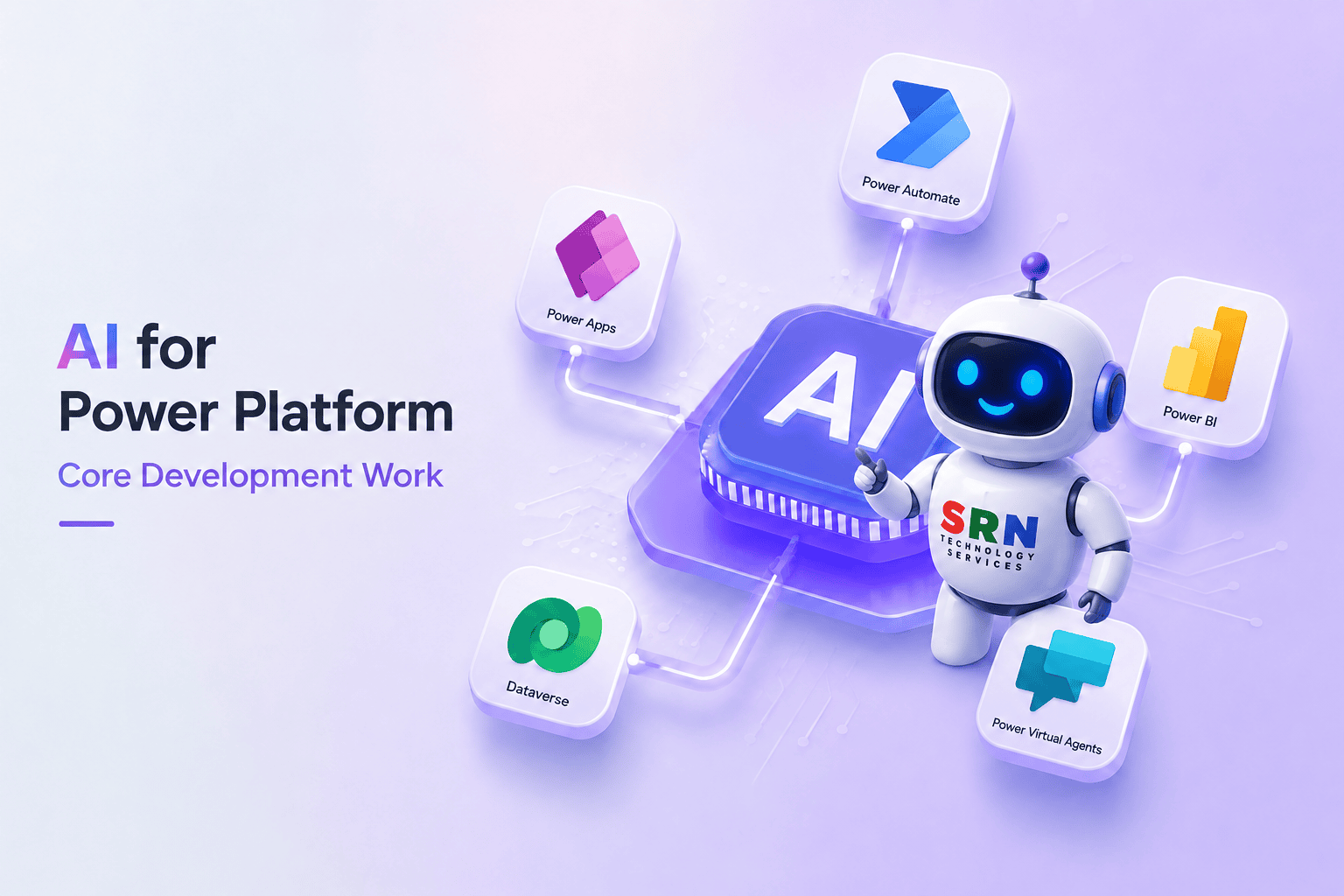
This training is designed to help Power Platform developers leverage AI to streamline and enhance core development activities. Participants will learn how to use AI tools for requirement analysis, solution design, Power Fx generation, Power Automate flow creation, Dataverse schema design, debugging, documentation, and testing. The course focuses on practical, real-world scenarios where AI can improve productivity and code quality while reducing development time. Through hands-on demonstrations and guided exercises, students will discover effective prompting techniques and best practices for integrating AI into everyday Power Platform development.
Audience
This training is designed for Power Platform developers, business analysts, citizen developers, Microsoft 365 professionals, solution architects, IT professionals, automation specialists, students, and anyone interested in leveraging Generative AI to create intelligent low-code applications and business solutions.
Pre-requisite
Basic understanding of Microsoft Power Platform concepts.
Familiarity with Power Apps and Power Automate is recommended.
Knowledge of Dataverse fundamentals is beneficial.
Basic understanding of business processes and workflows.
Access to AI tools (such as ChatGPT or Microsoft Copilot) is helpful for practice.
No prior AI or machine learning experience is required.
Key Benefits
AI-assisted Power Platform development workflows
Using AI to generate Power Fx formulas and expressions
Building and optimizing Power Automate flows with AI
Designing Dataverse tables and business logic using AI suggestions
Accelerating Canvas Apps, Model-Driven Apps, and Power Pages development
Debugging errors and optimizing applications with AI support
Generating technical documentation and reusable components
Applying prompt engineering techniques for better AI results
Following best practices for secure and reliable AI-assisted development
Completing hands-on exercises based on real business scenarios
By the end of the training, participants will be able to confidently use AI as a productivity tool to build, maintain, and optimize Power Platform solutions more efficiently.
Curriculam