
Skip to searchSkip to main content
SRNTS

Course Overview

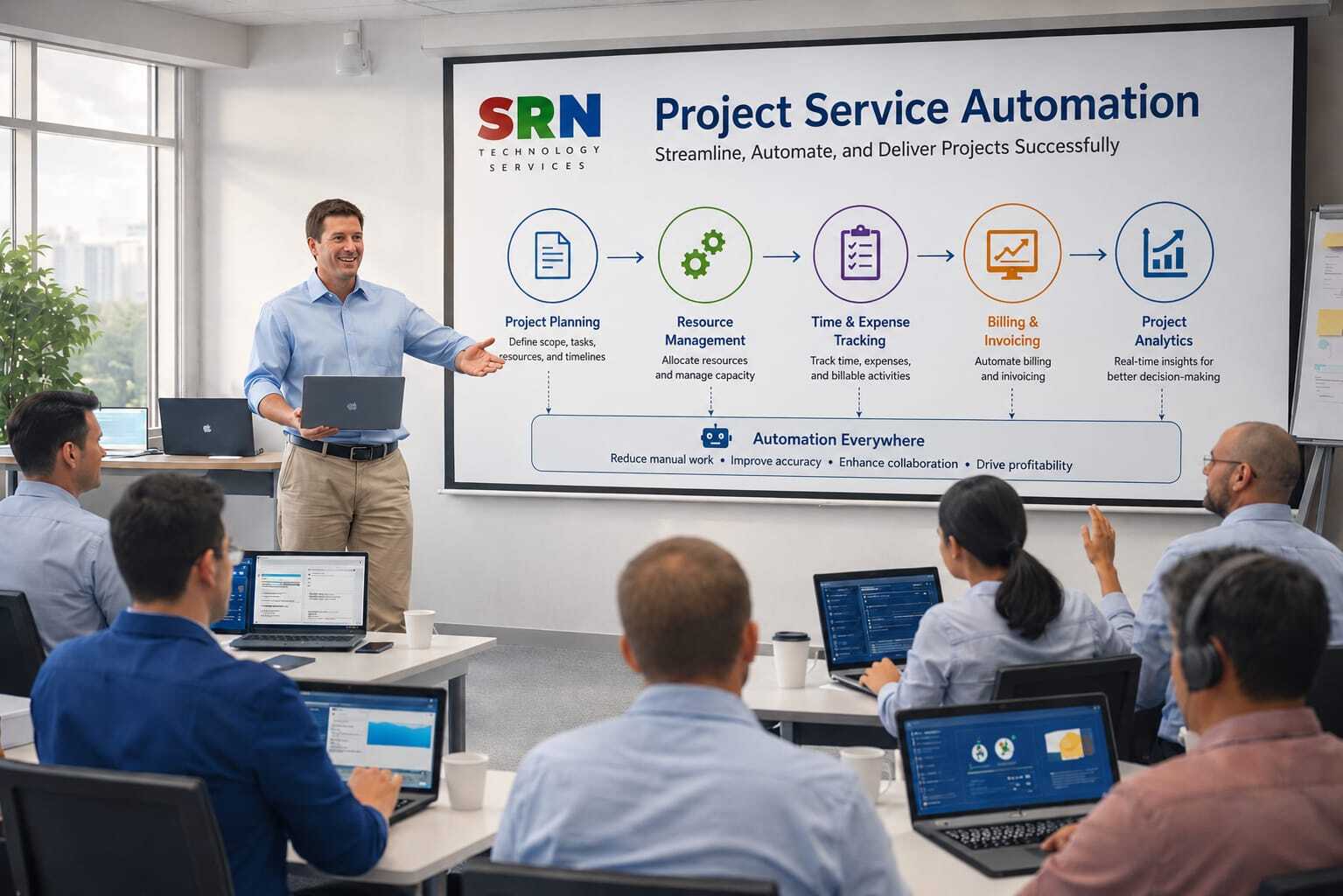
This training provides a comprehensive introduction to Project Service Automation (PSA) / Dynamics 365 Project Operations and its integration with the Microsoft Power Platform. Participants will learn how to manage project planning, resource scheduling, time and expense tracking, project budgeting, invoicing, and reporting while leveraging Power Apps, Power Automate, Power BI, and Dataverse to streamline project delivery and improve business outcomes.

 Audience

This program is designed for:

  • Project Managers
  • Project Coordinators
  • Dynamics 365 Functional Consultants
  • Power Platform Developers
  • Business Analysts
  • Resource Managers
  • CRM Administrators

 Pre‑requisites

To maximize learning outcomes, participants should have:

  • Basic understanding of project management concepts
  • Familiarity with Microsoft 365 applications
  • Basic knowledge of business processes and CRM systems
  • No programming experience required
  • Basic understanding of Power Platform is beneficial but not mandatory

 Key Benefits

  • Understand PSA / Project Operations features and capabilities
  • Manage project planning, scheduling, and resource allocation
  • Track project time, expenses, and budgets effectively
  • Automate project workflows using Power Automate
  • Build custom project management solutions with Power Apps
  • Create project dashboards and analytics using Power BI
  • Manage project data securely with Dataverse
  • Improve project visibility, profitability, and resource utilization
  • Gain hands-on experience with real-world project scenarios
  • Build a strong foundation for Dynamics 365 Project Operations implementations and certifications
  • Curriculam

    Module 1: Introduction to PSA & Power Platform

    • Overview of Project Service Automation capabilities

    • Role in project-based service delivery lifecycle

    • Integration with Dataverse, Power Automate, Power BI

    • Navigation, UI, and security roles

    Module 2: Project Setup & Templates

    • Creating projects and project templates

    • Defining project structures (tasks, milestones, deliverables)

    • Resource roles and project parameters

    • Hands-on: Creating a new project template

    Module 3: Work Breakdown Structure (WBS) & Scheduling

    • Building WBS in PSA

    • Task dependencies and scheduling

    • Gantt chart overview

    • Hands-on: Designing a WBS for a sample project

    Module 4: Resource Management

    • Resource allocation and booking

    • Skills, roles, and availability

    • Resource scheduling board

    • Hands-on: Assigning resources to project tasks

    Module 5: Time & Expense Management

    • Capturing time entries and approvals

    • Expense reporting and tracking

    • Integration with workflows for approvals

    • Hands-on: Submitting and approving time/expense entries

    Module 6: Project Contracts & Billing

    • Contract types (fixed price, time & material)

    • Quotes, orders, and invoices in PSA

    • Revenue recognition and billing cycles

    • Hands-on: Configuring a project contract and generating an invoice

    Module 7: Project Execution & Collaboration

    • Tracking progress and deliverables

    • Collaboration with Teams/Outlook integration

    • Document management with SharePoint

    • Hands-on: Managing project deliverables and collaboration

    Module 8: Automation & AI in PSA

    • Automating project workflows with Power Automate

    • AI-driven project forecasting and risk analysis

    • Copilot for project managers

    • Hands-on: Automating project approval workflow

    Module 9: Customization & Extensibility

    • Customizing forms, dashboards, and project views

    • Extending PSA with Canvas Apps

    • Creating connectors for external project tools (Jira, MS Project)

    • Hands-on: Building a custom project tracking app

    Module 10: Reporting, Security & Best Practices

    • Role-based security in PSA

    • Advanced reporting with Power BI

    • Best practices for project governance and optimization

    • Hands-on: Building a project performance dashboard

    🎯 Key Outcomes

    • Mastery of project lifecycle management (setup → execution → billing → closure).

    • Ability to automate project workflows using Power Automate.

    • Skills to customize and extend PSA with Power Apps and Dataverse.

    • Competence in reporting and forecasting with Power BI and AI features.

    • Practical knowledge of resource scheduling, collaboration, and billing integration.

    Enrollment Form

    If you have no pending queries and feel confident after completing the trainer assessment session and reviewing earlier batch recordings, please proceed by filling out the form below to officially enroll in the SRNTS Training Program.

    • Are you interested to receive training related update over Whatspp & Gmail *

    💬 Need Assistance?

    If you have any questions about the training program or the enrollment process, our support team is here to help. You can reach us through the following channels:

    • 📱 WhatsApp Chat – Quick and convenient messaging support

    • 📞 Direct Call – Speak with our team instantly

    • 📧 Email Support – Get detailed assistance via mail