
Skip to searchSkip to main content
SRNTS

Course Overview

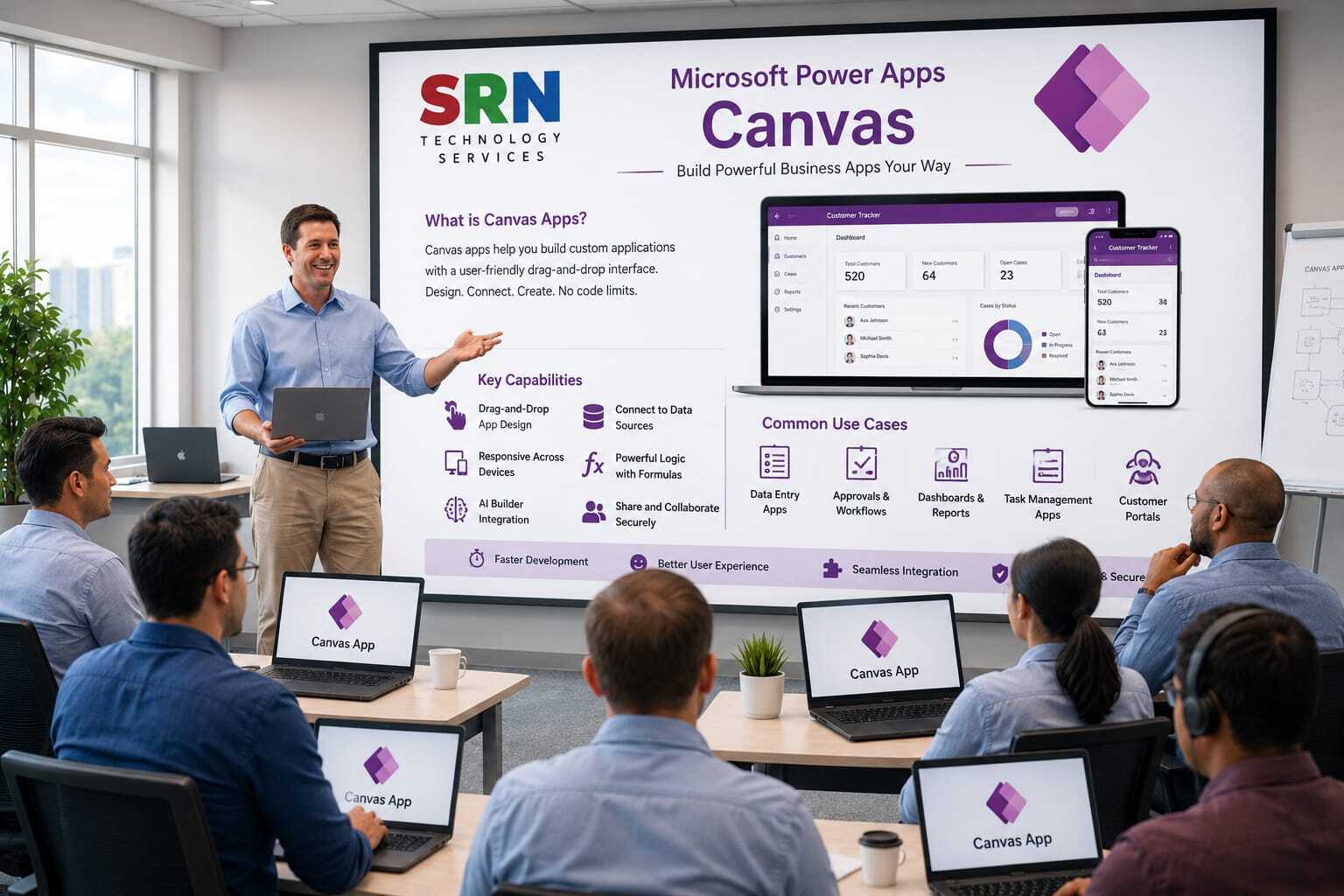
This training provides a comprehensive introduction to Canvas Apps in Microsoft Power Platform. Participants will learn how to design, build, and deploy custom business applications using a low-code approach. The course covers app design, controls, formulas, data sources, galleries, forms, variables, collections, responsive layouts, integrations with Power Automate and Dataverse, and best practices for creating modern business applications.

 Audience

This program is designed for:

    • Power Platform Developers
    • Business Analysts
    • Functional Consultants
    • Citizen Developers
    • Dynamics 365 Users
    • IT Professionals
    • Anyone interested in building business applications with minimal coding 

 Pre‑requisites

To maximize learning outcomes, participants should have:

  • Basic understanding of business processes
  • Familiarity with Microsoft 365 applications
  • Basic knowledge of Excel is beneficial
  • Understanding of Power Platform fundamentals is helpful but not mandatory
  • No programming experience required

 Key Benefits

  • Understand Canvas App architecture and core concepts
  • Build custom business applications using a low-code approach
  • Connect apps to Dataverse, SharePoint, Excel, SQL, and other data sources
  • Create interactive user interfaces with forms, galleries, and controls
  • Automate business processes using Power Automate
  • Implement responsive and mobile-friendly application designs
  • Learn Power Fx formulas and app customization techniques
  • Improve productivity through rapid application development
  • Gain hands-on experience with real-world business scenarios
  • Build scalable and user-friendly applications for enterprise use cases within the Power Platform ecosystem
  • Curriculam

    Module 1: Introduction to Canvas Apps (2 Hrs)

    • Introduction to Microsoft Power Apps
    • Canvas Apps Overview
    • Canvas Apps vs Model-Driven Apps
    • Power Apps Studio Interface
    • App Creation Methods and Environment Setup

    Module 2: Building Canvas Apps (3 Hrs)

    • Creating Canvas Apps from Scratch
    • Screens and Navigation
    • Controls and Properties
    • Layout Design and Themes
    • Responsive App Design

    Module 3: Working with Data Sources (3 Hrs)

    • Connecting to Dataverse
    • SharePoint Integration
    • Excel and SQL Server Connections
    • Forms, Galleries, and Data Tables
    • CRUD Operations (Create, Read, Update, Delete)

    Module 4: Power Fx Fundamentals (3 Hrs)

    • Introduction to Power Fx
    • Variables and Collections
    • Functions and Formulas
    • Conditional Logic
    • Filtering, Sorting, and Searching Data

    Module 5: Advanced Canvas App Development (2 Hrs)

    • Components and Reusable Controls
    • Collections and Data Manipulation
    • Error Handling
    • App Performance Optimization
    • Responsive Design Best Practices

    Module 6: Business Logic & User Experience (2 Hrs)

    • Data Validation Techniques
    • Notifications and Alerts
    • Role-Based Security Concepts
    • User Experience Enhancements
    • Business Scenarios Implementation

    Module 7: Integration & Automation (2 Hrs)

    • Integrating Power Automate with Canvas Apps
    • Calling Flows from Apps
    • Working with Dataverse Data
    • Introduction to AI Builder Integration

    Module 8: Deployment & Governance (1 Hr)

    • Solution Management
    • Application Sharing and Security
    • Environment Management
    • Deployment Best Practices

    Capstone Project (2 Hrs)

    • Build a complete business application with multiple screens, forms, galleries, Dataverse integration, Power Fx formulas, Power Automate workflows, validations, and responsive design.

    Total Duration: 20 Hours

    Training Includes: Theory, Live Demonstrations, Hands-on Labs, Real-World Business Scenarios, Power Fx Exercises, Power Automate Integration, and End-to-End Canvas App Development Project.


    Enrollment Form

    If you have no pending queries and feel confident after completing the trainer assessment session and reviewing earlier batch recordings, please proceed by filling out the form below to officially enroll in the SRNTS Training Program.

    • Are you interested to receive training related update over Whatspp & Gmail *

    Need Assistance?

    If you have any questions about the training program or the enrollment process, our support team is here to help. You can reach us through the following channels:

    • 📱 WhatsApp Chat – Quick and convenient messaging support

    • 📞 Direct Call – Speak with our team instantly

    • 📧 Email Support – Get detailed assistance via mail