
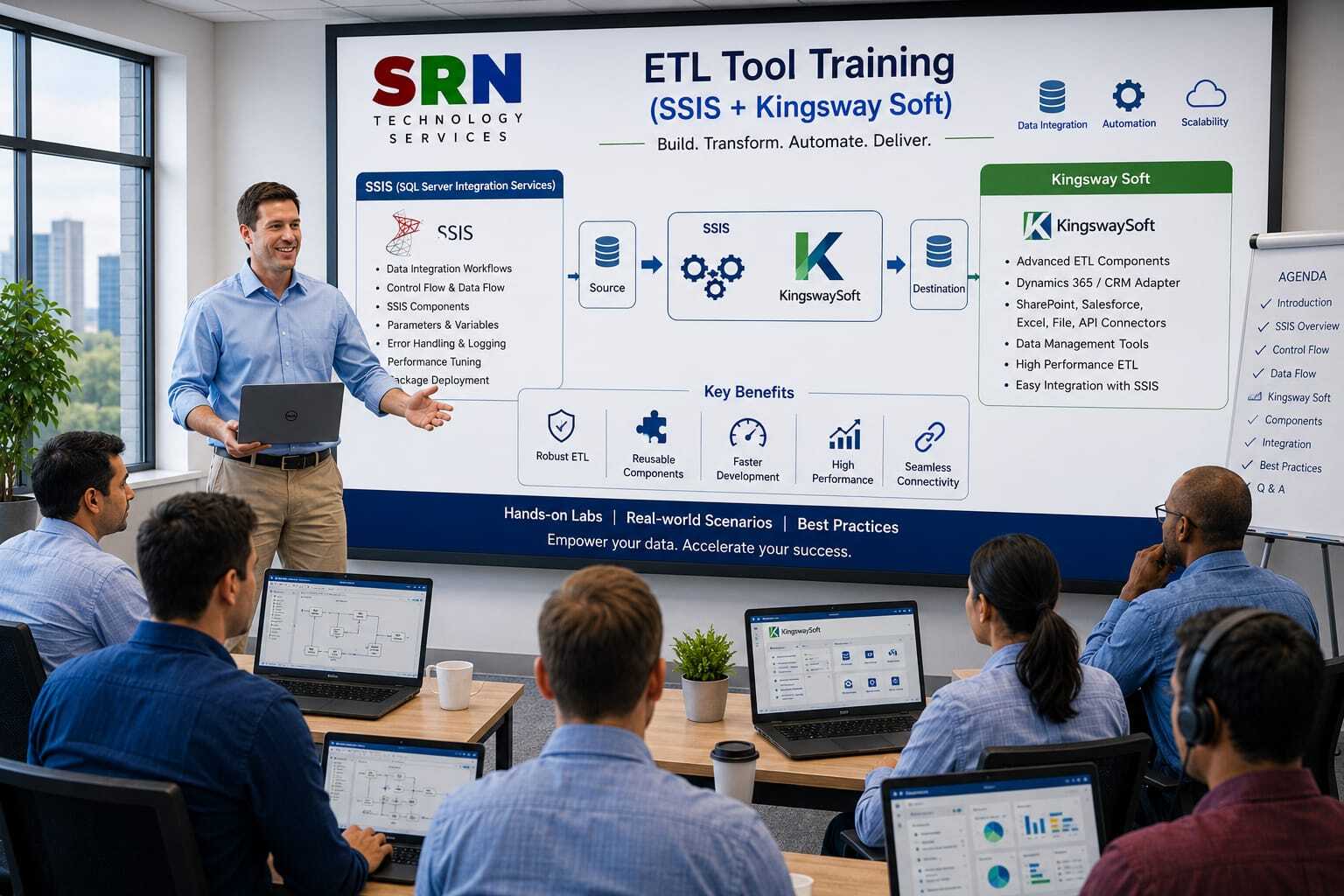
Course Overview
Step into the world of SSIS KingswaySoft, the premier integration toolkit for SQL Server Integration Services, and discover how it transforms the Power Platform into a fully connected enterprise ecosystem. This training equips you to design, configure, and manage high‑performance data integrations between Power Apps, Power Automate, Dynamics 365, and external systems. Through immersive hands‑on labs and real‑world case studies, you’ll master ETL processes, streamline migrations, and orchestrate automated workflows — building scalable, secure, and future‑ready solutions that accelerate innovation and digital transformation.
Audience
Aspiring professionals with little or no IT background who want to break into enterprise data integration.
Power Platform developers ready to extend apps and flows with robust connectivity to external systems.
Data engineers and IT professionals modernizing applications with SSIS‑based integrations.
Business analysts and citizen developers eager to automate data flows and enrich Power BI dashboards with external insights.
Pre‑requisites
Basic familiarity with Power Platform (Power Apps, Power Automate, Power BI).
Understanding of fundamental data concepts (tables, queries, ETL helpful but not mandatory).
Access to SQL Server Data Tools (SSDT) and KingswaySoft toolkit for hands‑on practice.
A growth mindset and enthusiasm to explore enterprise‑grade integration
Key Benefits
Hands‑On Mastery: Learn to design and deploy SSIS packages integrated with Power Platform.
Career Acceleration: Gain highly sought‑after expertise in KingswaySoft, a cornerstone skill for data and cloud professionals.
Seamless Connectivity: Effortlessly integrate Power Platform with Dynamics 365, ERP, CRM, and external systems.
Enterprise‑Scale Solutions: Build reliable, scalable pipelines that support complex business needs.
Future‑Ready Skills: Position yourself at the forefront of data automation, analytics, and digital transformation.
Curriculam
Enrollment Form
If you have no pending queries and feel confident after completing the trainer assessment session and reviewing earlier batch recordings, please proceed by filling out the form below to officially enroll in the SRNTS Training Program.
Need Assistance?
If you have any questions about the training program or the enrollment process, our support team is here to help. You can reach us through the following channels:
📱 WhatsApp Chat – Quick and convenient messaging support
📞 Direct Call – Speak with our team instantly
📧 Email Support – Get detailed assistance via mail