
Skip to searchSkip to main content
SRNTS

Course Overview

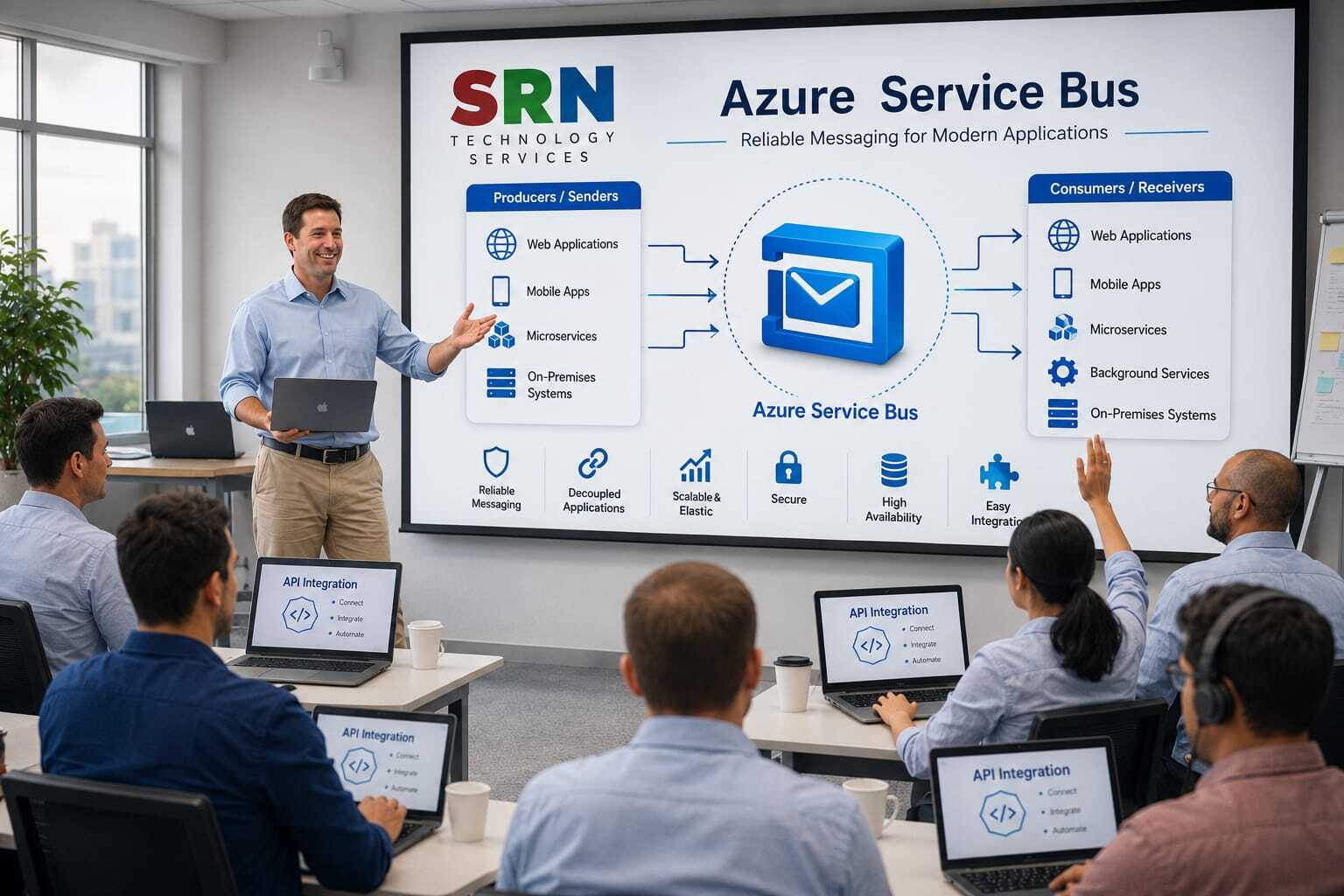
Step into the world of Azure Service Bus, Microsoft’s enterprise‑grade messaging solution, and discover how it empowers seamless integration with the Power Platform. This course equips you to design secure, reliable communication between distributed applications, automate workflows, and connect Power Apps and Power Automate with external systems at scale. Through immersive hands‑on labs and real‑world scenarios, you’ll master queues, topics, and subscriptions — building resilient, event‑driven solutions that drive efficiency, innovation, and business transformation.

Audience

  • Aspiring professionals with little or no IT background who want to break into cloud integration and automation.

  • Power Platform developers ready to extend apps and flows with enterprise‑grade messaging capabilities.

  • IT professionals and architects modernizing applications with decoupled, event‑driven design patterns.

  • Business analysts and citizen developers eager to connect Power Platform solutions with external systems securely and efficiently

Pre‑requisites

  • Basic familiarity with Power Platform (Power Apps, Power Automate).

  • Understanding of fundamental cloud concepts (helpful but not mandatory).

  • Access to a Microsoft Azure account for hands‑on practice.

  • Curiosity and enthusiasm to explore distributed application design.


Key Benefits

    • Hands‑On Mastery: Build real messaging solutions integrated with Power Platform.

    • Career Acceleration: Gain in‑demand expertise in Azure Service Bus, a cornerstone skill for cloud and integration professionals.

    • Enterprise‑Scale Design: Learn to decouple applications and design reliable communication patterns for large, complex systems.

    • Extended Capabilities: Connect Power Platform with external systems to solve advanced business challenges.

    • Future‑Ready Skills: Position yourself at the forefront of automation, integration, and digital transformation.

  • Module 1: Introduction to Messaging & Service Bus 

    • Enterprise messaging basics: queues, topics, subscriptions

    • Role of Service Bus in distributed systems

    • Comparing Service Bus with Storage Queues & Event Grid

    • Hands-on session: Create a Service Bus namespace in Azure Portal and exploring various option

    Module 2: Queues – Core Concepts

    • Queue architecture & message lifecycle

    • FIFO delivery, duplicate detection, dead-letter queues

    • Message properties & metadata

    • Hands-on session: Send & receive messages using .NET SDK (Manually, Automation-Plugin, Power Automate for Power Platform event

    • Hands-on session-On creation or updation of record in dataverse pass the record information into Azure Service and call Azure Function to perform specific operation by reading message information from Azure Service Bus

    Module 3: Topics & Subscriptions

    • Publish/subscribe model explained

    • Subscription rules & filters

    • Advanced routing scenarios

    • Hands-on session: Create topic with multiple subscriptions & filters

    Module 4: Advanced Messaging Patterns

    • Competing consumers

    • Request-response pattern

    • Scheduled messages & deferral

    • Hands-on session: Implement delayed delivery & message deferral

    Module 5: Reliability & Transactions 

    • Message sessions & correlation

    • Transactions in Service Bus

    • Handling poison messages

    • Hands-on session: Implement session-based messaging

    Module 6: Security & Compliance

    • Shared Access Signatures (SAS)

    • Role-based access control (RBAC)

    • Encryption & compliance considerations

    • Hands-on session: Secure Service Bus with RBAC

    Module 7: Integration with Azure Services

    • Service Bus with Logic Apps, Functions, and Event Grid

    • Hybrid integration scenarios

    • Hands-on session: Trigger Azure Function and Azure Logic from Service Bus queue

    Module 8: Monitoring & Diagnostics

    • Metrics & logging with Azure Monitor

    • Message tracing & Application Insights

    • Hands-on session: Set up alerts for queue length & dead-letter count

    Module 9: Performance & Scaling

    • Auto-scaling strategies

    • Partitioned queues & topics

    • Throughput units & premium tier

    • Hands-on session: Configure partitioned topics for high throughput

    Module 10: Real-World Project & Best Practices

    • Designing resilient messaging architectures

    • Cost optimization strategies

    • Case study: Service Bus in enterprise integration

    • Hands-on session: End-to-end project – build a distributed order processing system


    Enrollment Form

    If you have no pending queries and feel confident after completing the trainer assessment session and reviewing earlier batch recordings, please proceed by filling out the form below to officially enroll in the SRNTS Training Program.

    • Are you interested to receive training related update over Whatspp & Gmail *

    💬Need Assistance?

    If you have any questions about the training program or the enrollment process, our support team is here to help. You can reach us through the following channels:

    • 📱 WhatsApp Chat – Quick and convenient messaging support

    • 📞 Direct Call – Speak with our team instantly

    • 📧 Email Support – Get detailed assistance via mail