
Skip to searchSkip to main content
SRNTS

 Course Overview

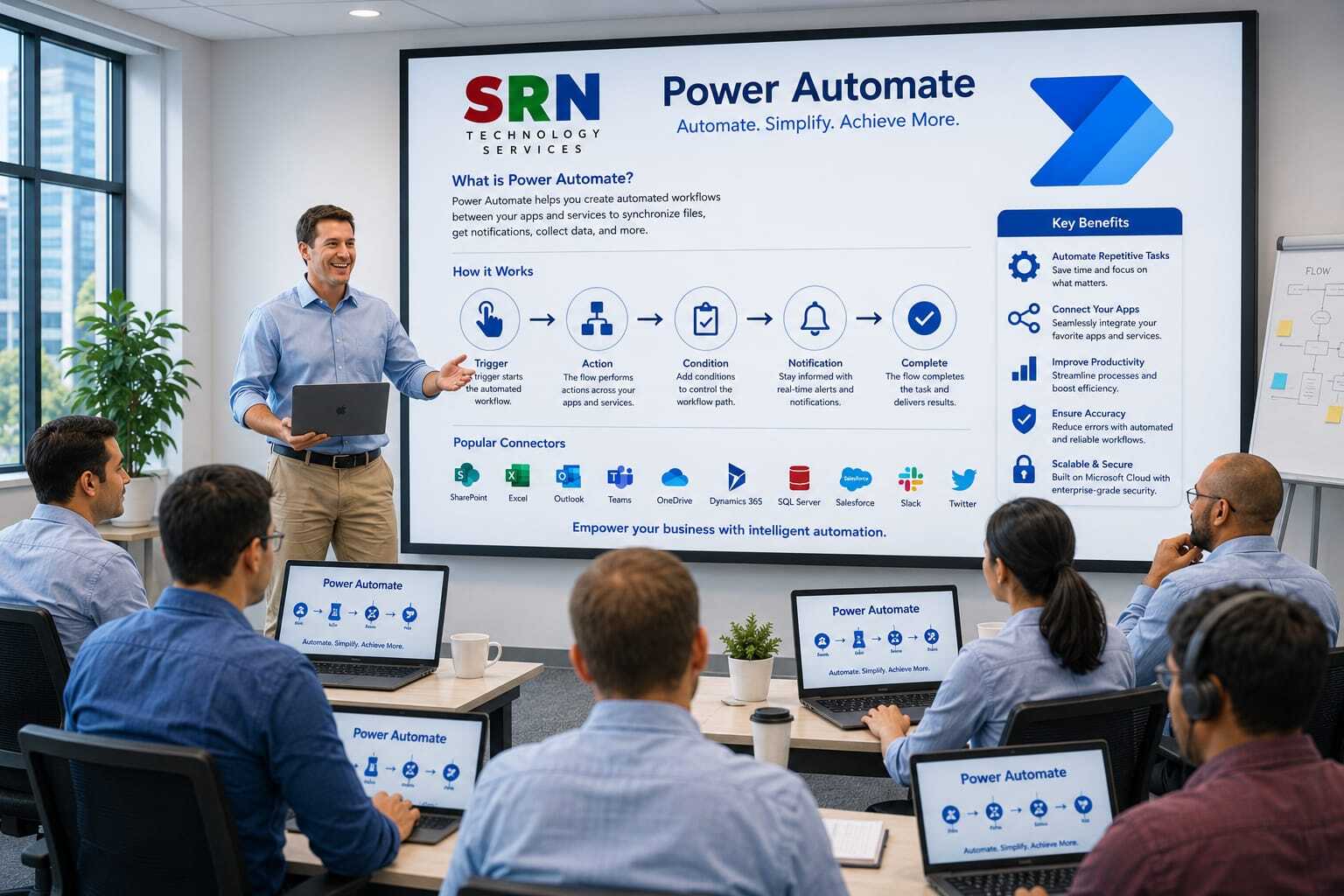
This training provides a comprehensive introduction to Power Automate within the Microsoft Power Platform ecosystem. Participants will learn how to automate business processes, streamline repetitive tasks, integrate applications, and create intelligent workflows using Power Automate. The course covers cloud flows, desktop flows, approvals, connectors, Dataverse integration, AI-powered automation, and Dynamics 365 integration scenarios.

 Audience

This program is designed for:

  • Power Platform Developers
  • Business Analysts
  • Dynamics 365 Consultants
  • Functional Consultants
  • IT Professionals
  • Process Automation Specialists
  • Business Users looking to automate daily tasks

 Pre‑requisites

To maximize learning outcomes, participants should have:

  • Basic understanding of business processes and workflows
  • Familiarity with Microsoft 365 applications
  • Basic knowledge of Power Platform is beneficial
  • Understanding of Dynamics 365 concepts is helpful but not mandatory
  • No programming experience required

 Key Benefits

  • Understand Power Automate architecture and capabilities
  • Create automated workflows with minimal coding
  • Automate approvals, notifications, and business processes
  • Integrate Microsoft and third-party applications using connectors
  • Work with Dataverse, SharePoint, Outlook, Teams, and Dynamics 365
  • Build desktop automation using Robotic Process Automation (RPA)
  • Implement AI-powered document processing and automation
  • Improve productivity by eliminating manual tasks
  • Gain hands-on experience with real-world automation scenarios
  • Learn best practices for scalable and secure workflow automation solutions
  • Curriculam

    Module 1: Introduction to Power Platform & Power Automate (2 Hrs)

    • Power Platform Overview
    • Power Automate Overview
    • Types of Flows (Automated, Instant, Scheduled, Desktop)
    • Environment Setup and Navigation

    Module 2: Cloud Flows & Connectors (3 Hrs)

    • Triggers and Actions
    • Standard and Premium Connectors
    • Dynamic Content
    • Variables and Expressions
    • Building Cloud Flows

    Module 3: Flow Logic & Error Handling (2 Hrs)

    • Conditions and Switch
    • Loops (Apply to Each, Do Until)
    • Parallel Branches
    • Error Handling and Troubleshooting

    Module 4: Dataverse Integration (2 Hrs)

    • Dataverse Fundamentals
    • Create, Update, Delete Records
    • Filtering and Querying Data
    • Working with Tables and Relationships

    Module 5: Power Apps Integration (2 Hrs)

    • Triggering Flows from Power Apps
    • Passing Parameters
    • Returning Data to Applications
    • End-to-End App Integration

    Module 6: Approval Workflows (2 Hrs)

    • Approval Types
    • Sequential and Parallel Approvals
    • Notifications and Escalations
    • Business Process Automation

    Module 7: Power Automate Desktop (RPA) (3 Hrs)

    • Introduction to RPA
    • Desktop Flow Creation
    • Web and UI Automation
    • Excel and File Automation

    Module 8: AI Builder & Copilot (2 Hrs)

    • AI Builder Overview
    • OCR and Document Processing
    • Sentiment Analysis
    • Copilot Integration in Power Automate

    Module 9: Governance & Deployment (1 Hr)

    • Solutions and ALM Basics
    • Connection References
    • Monitoring and Administration
    • Best Practices

    Capstone Project (1 Hr)

    • Build an end-to-end automation solution using Power Apps, Dataverse, Power Automate, Approvals, and AI Builder.

    Total Duration: 20 Hours
    Theory, Demonstration, Hands-on Labs, and Project Implementation.

    Enrollment Form

    If you have no pending queries and feel confident after completing the trainer assessment session and reviewing earlier batch recordings, please proceed by filling out the form below to officially enroll in the SRNTS Training Program.

    • Are you interested to receive training related update over Whatspp & Gmail *

    Need Assistance?

    If you have any questions about the training program or the enrollment process, our support team is here to help. You can reach us through the following channels:

    • 📱 WhatsApp Chat – Quick and convenient messaging support

    • 📞 Direct Call – Speak with our team instantly

    • 📧 Email Support – Get detailed assistance via mail