
Skip to searchSkip to main content
SRNTS

Course Overview

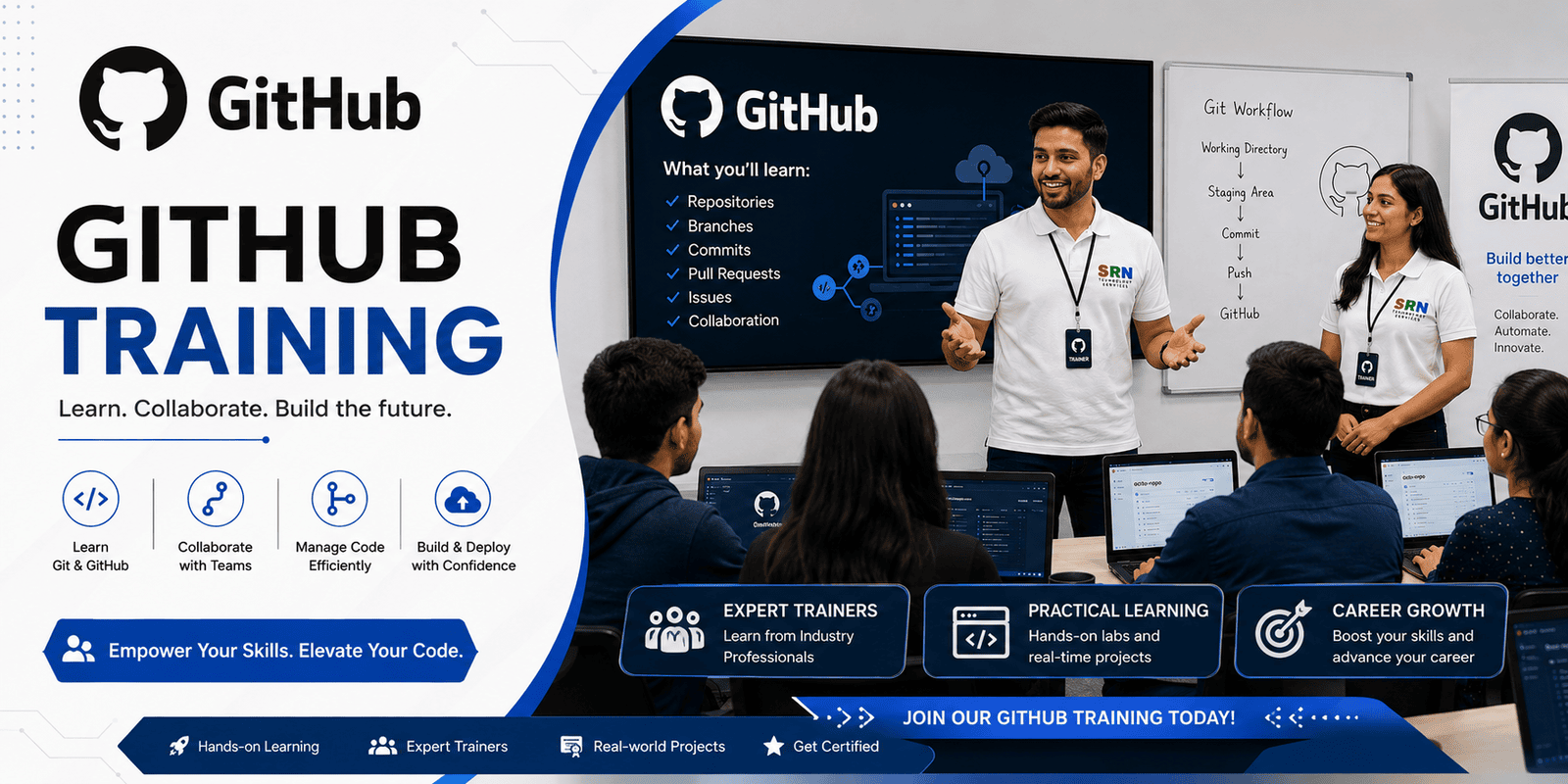
GitHub Training is designed to provide participants with a comprehensive understanding of Git and GitHub, the industry's leading version control and collaboration platform. The course covers repository management, source code versioning, branching strategies, pull requests, code reviews, project management, GitHub Actions, and collaboration workflows. Participants will learn how to manage code efficiently, collaborate with development teams, automate workflows, and implement best practices for software development projects.

Audience

  • Software Developers
  • Power Platform Developers
  • Dynamics 365 Developers
  • Azure Developers
  • DevOps Engineers
  • Technical Consultants
  • Students and Beginners interested in Version Control
  • IT Professionals working in collaborative development environments
  • Pre-Requisite

  • Basic understanding of software development concepts
  • Familiarity with files, folders, and operating systems
  • Basic knowledge of programming is beneficial but not mandatory
  • Understanding of web applications is helpful
  • No prior Git or GitHub experience required
  • Key Benefits:

  • Learn industry-standard version control practices
  • Manage source code efficiently using Git and GitHub
  • Collaborate effectively with development teams
  • Implement branching, merging, and pull request workflows
  • Track project progress using Issues, Projects, and Milestones
  • Automate development workflows using GitHub Actions
  • Improve code quality through code reviews and collaboration
  • Integrate GitHub with Azure, Power Platform, and CI/CD pipelines
  • Gain hands-on experience through practical exercises and projects
  • Build job-ready skills for Software Development, DevOps, Power Platform, and Cloud Development roles
  • Follow best practices for source control, security, and team collaboration in enterprise projects
  • Curriculum

    GitHub Training Curriculum (08 Hours)

    Module 1: Introduction to Git and GitHub (1 Hour)

    • Overview of Version Control Systems
    • Understanding Git and GitHub
    • Benefits of Source Code Management
    • GitHub Account Setup and Configuration
    • Installing Git and Initial Configuration
    • GitHub Interface Overview

    Module 2: Git Fundamentals (1.5 Hours)

    • Git Architecture and Workflow
    • Creating and Cloning Repositories
    • Working with Files and Folders
    • Git Commands
      • Git Init
      • Git Clone
      • Git Add
      • Git Commit
      • Git Status
      • Git Log
    • Understanding Local and Remote Repositories

    Module 3: Branching and Collaboration (1.5 Hours)

    • Creating and Managing Branches
    • Branching Strategies
    • Merging Branches
    • Resolving Merge Conflicts
    • Pull Requests (PR)
    • Code Reviews and Collaboration
    • Forking Repositories

    Module 4: GitHub Repository Management (1 Hour)

    • Repository Settings and Configuration
    • Managing Contributors and Permissions
    • Repository Security Best Practices
    • Managing Issues and Labels
    • Project Boards and Milestones
    • Repository Documentation using README Files

    Module 5: GitHub Actions and Automation (1 Hour)

    • Introduction to GitHub Actions
    • Understanding Workflows
    • Creating Basic Workflow Files
    • Automated Build and Testing
    • Continuous Integration Concepts
    • Workflow Triggers and Events

    Module 6: GitHub for DevOps and CI/CD (1 Hour)

    • GitHub Integration with Azure DevOps
    • GitHub and Power Platform Source Control
    • CI/CD Concepts using GitHub
    • Managing Releases and Deployments
    • Package and Artifact Management

    Module 7: Advanced GitHub Features and Best Practices (1 Hour)

    • GitHub Security Features
    • Branch Protection Rules
    • Secret Management
    • GitHub Discussions and Wikis
    • Open Source Contribution Workflow
    • Real-World Project Collaboration Scenarios
    • GitHub Best Practices

    Module 8: Hands-On Project and Q&A (0.5 Hour)

    • End-to-End Repository Setup
    • Team Collaboration Exercise
    • Pull Request and Merge Activity
    • Workflow Automation Demo
    • Course Summary and Q&A

    Total Duration: 08 Hours