
Skip to searchSkip to main content
SRNTS

 Course Overview

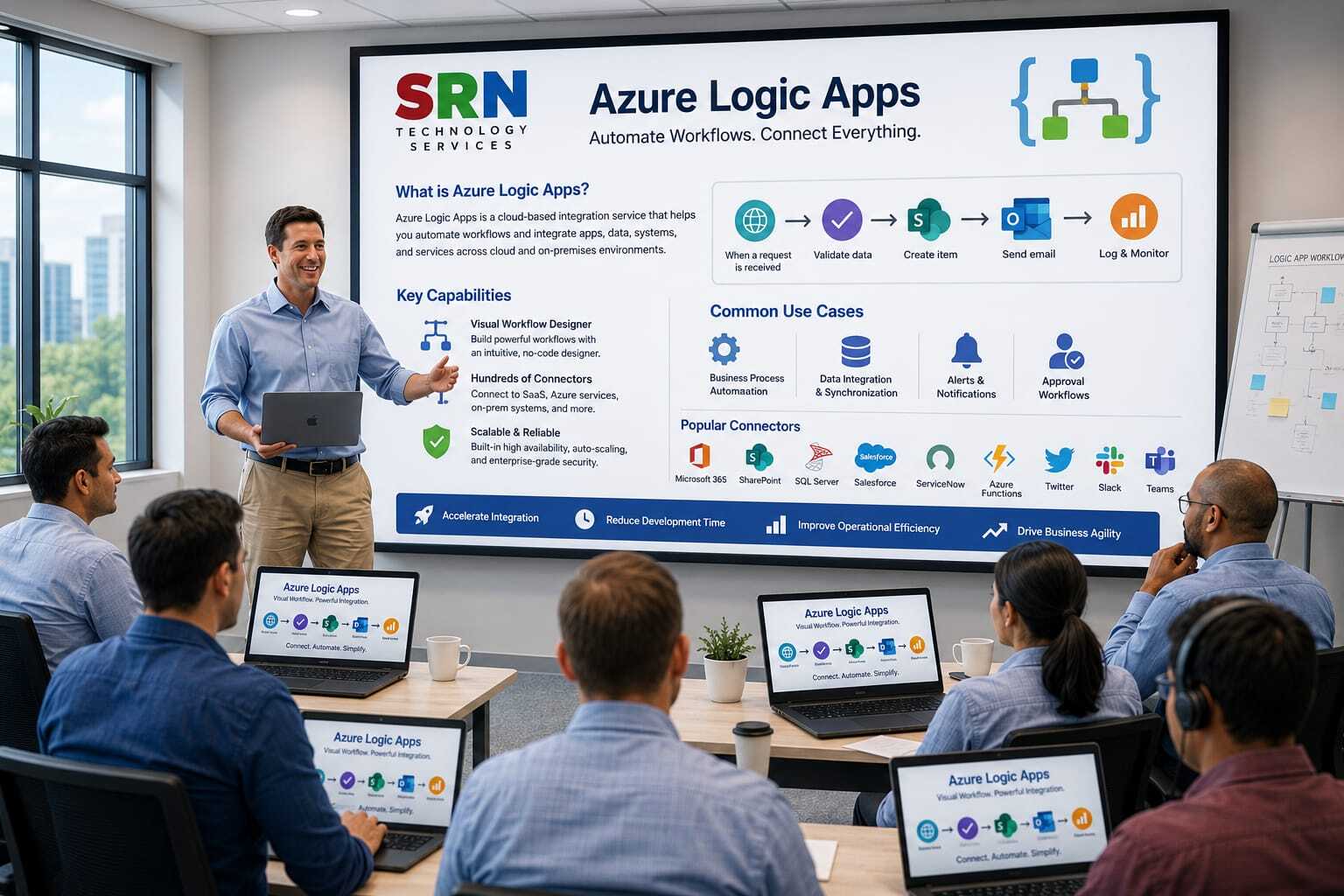
Step into the future of enterprise automation with Azure Logic Apps — Microsoft’s cloud‑native integration engine that empowers organizations to connect applications, orchestrate workflows, and accelerate digital transformation. This training provides a complete journey into designing intelligent workflows that seamlessly integrate with Dynamics 365, the Power Platform, and hundreds of external services. Through immersive hands‑on labs and real‑world scenarios, you’ll learn how to automate mission‑critical processes, unify data across systems, and embed intelligence into customer journeys. By the end of the program, you’ll be equipped to deliver scalable, secure, and future‑ready solutions that bridge the gap between business and technology.

Audience

This program is designed for:

  • Power Platform Developers seeking to add advanced automation and custom logic.

  • Dynamics 365 CE Consultants aiming to deliver smarter, integrated solutions.

  • Cloud Engineers & IT Professionals looking to master serverless architecture.

  • Solution Architects & Business Analysts who want to design data‑driven, intelligent workflows.

 Pre‑requisites

  • Power Platform developers ready to extend apps and automate processes with enterprise‑scale integrations.

  • IT professionals and solution architects modernizing systems with cloud‑based automation.

  • Business analysts and citizen developers eager to connect data and streamline workflows across applications.

  • Enterprise consultants and project managers seeking to deliver end‑to‑end solutions with minimal coding effort.

 Key Benefits

      • Seamless Integration: Effortlessly connect Dynamics 365, Power Platform, and external services.

      • Hands‑On Mastery: Gain practical experience designing, deploying, and managing workflows.

      • Career Acceleration: Acquire in‑demand skills in cloud automation and enterprise integration.

      • Operational Efficiency: Automate repetitive tasks, reduce manual errors, and streamline processes.

  • Module 1: Foundations of Logic Apps & Power Platform Integration (2 hrs)

    • Understanding Azure Logic Apps architecture

    • Positioning Logic Apps within the Power Platform ecosystem

    • Comparing Logic Apps vs. Power Automate vs. Azure Functions

    • Use Case: Automating lead capture from external websites into Dynamics 365 CE

    Module 2: Building & Deploying Logic Apps (2 hrs)

    • Creating Logic Apps in the Azure Portal

    • Triggers, actions, and workflows explained

    • Connecting to Dataverse, SharePoint, Outlook, and Teams

    • Use Case: Triggering a workflow when a new case is created in Dynamics 365 CE

    Module 3: Enterprise Integrations with Connectors (3 hrs)

    • Premium connectors and custom connector development

    • Authentication strategies (OAuth, Managed Identity, API keys)

    • Integrating with ERP/CRM systems (SAP, Oracle, Salesforce)

    • Use Case: Synchronizing customer data between Dynamics 365 CE and SAP

    Module 4: Data Transformation & Business Logic (2 hrs)

    • Working with JSON, XML, and CSV payloads

    • Expressions, functions, and conditional logic

    • Implementing loops, parallelism, and branching

    • Use Case: Transforming IoT sensor data before storing in Dataverse

    Module 5: Monitoring, Error Handling & Governance (2 hrs)

    • Exception handling, retries, and fallback strategies

    • Monitoring with Application Insights and Azure Monitor

    • Role‑based access control and governance best practices

    • Use Case: Tracking failed invoice uploads and alerting via Teams

    Module 6: Advanced Power Platform Scenarios (3 hrs)

    • Embedding Logic Apps into Power Automate flows

    • Extending Power Apps with Logic Apps for external API calls

    • Hybrid scenarios: Logic Apps + Azure Functions + Dataverse

    • Use Cases:

      • Automating invoice processing from email attachments into Dynamics 365 CE

      • Real‑time Teams notifications when high‑value opportunities are updated in Dataverse

      • Integrating Dynamics 365 CE with external payment gateways

    Module 7: Capstone Project & Wrap‑Up (1 hr)

    • Guided project: Build an end‑to‑end enterprise integration using Logic Apps + Power Platform

    • Best practices for scalability, security, and optimization

    • Q&A and career guidance on leveraging Logic Apps for enterprise digital transformation


    Enrollment Form

    If you have no pending queries and feel confident after completing the trainer assessment session and reviewing earlier batch recordings, please proceed by filling out the form below to officially enroll in the SRNTS Training Program.

    • Are you interested to receive training related update over Whatspp & Gmail *

    💬 Need Assistance?

    If you have any questions about the training program or the enrollment process, our support team is here to help. You can reach us through the following channels:

    • 📱 WhatsApp Chat – Quick and convenient messaging support

    • 📞 Direct Call – Speak with our team instantly

    • 📧 Email Support – Get detailed assistance via mail