
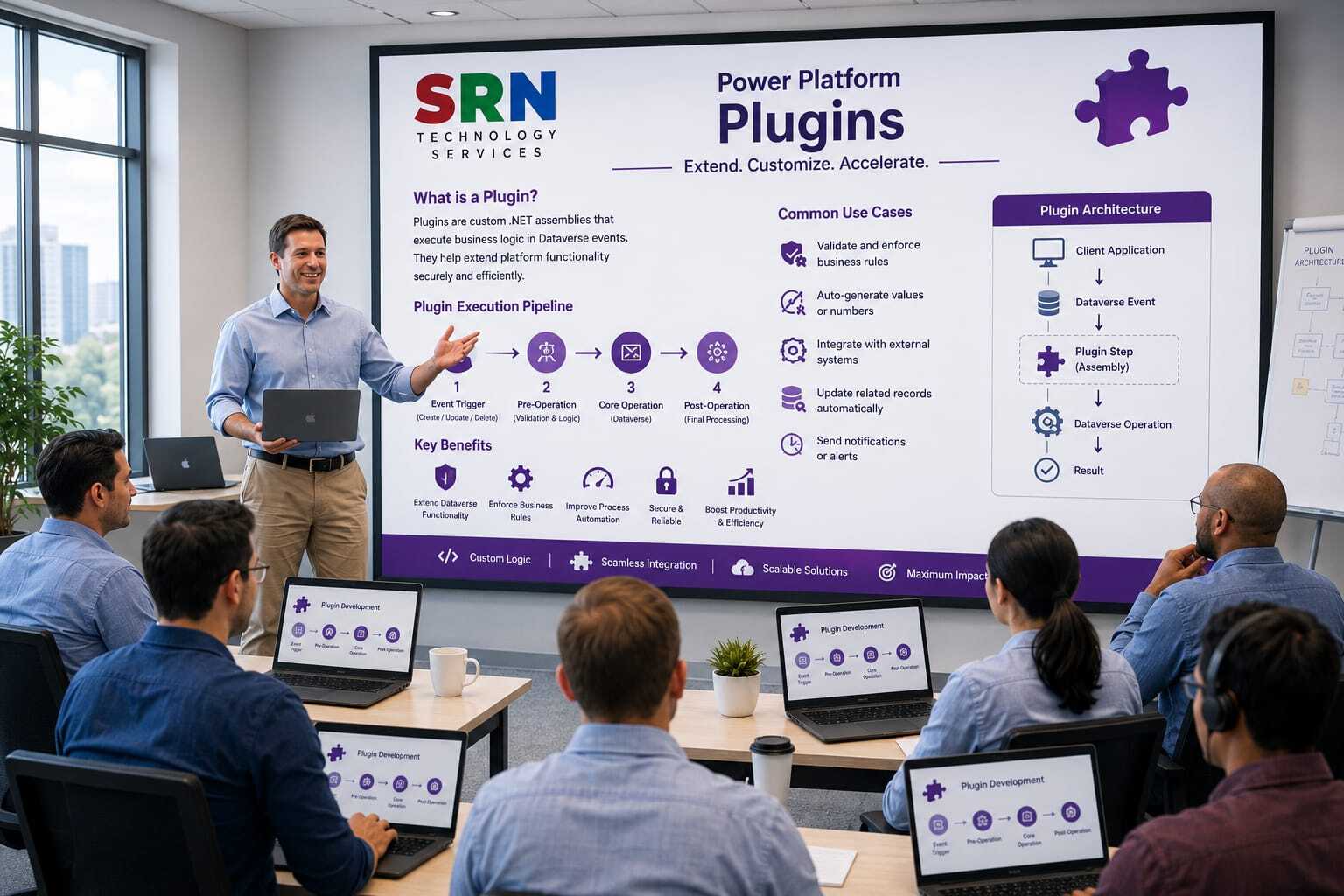
Course Overview
This training provides a comprehensive introduction to Plugin Development in Microsoft Dynamics 365 and Dataverse. Participants will learn how to create, register, debug, and deploy plugins to implement custom business logic and automate processes within Power Platform applications. The course covers the plugin execution pipeline, event framework, entity operations, tracing, exception handling, performance optimization, and real-world development scenarios.
Audience
This program is designed for:
- Dynamics 365 Developers
- Power Platform Developers
- .NET Developers
- Technical Consultants
- Solution Architects
- CRM Administrators
- IT Professionals involved in application customization
Pre‑requisites
To maximize learning outcomes, participants should have:
- Basic understanding of Dynamics 365 or Power Platform
- Knowledge of C# and .NET fundamentals
- Familiarity with Dataverse entities and relationships
- Basic understanding of business processes and workflows
- Experience with Visual Studio is beneficial
Key Benefits
- Understand the Dynamics 365 and Dataverse plugin architecture
- Learn the plugin execution pipeline and event framework
- Develop custom business logic using C#
- Automate complex business processes beyond standard configurations
- Implement validations, calculations, and integrations using plugins
- Debug, trace, and troubleshoot plugin execution effectively
- Optimize plugin performance and follow best practices
- Gain hands-on experience through real-world development scenarios
- Build scalable and secure enterprise-grade solutions
- Enhance career opportunities in Dynamics 365 and Power Platform development roles
Curriculam
Enrollment Form
If you have no pending queries and feel confident after completing the trainer assessment session and reviewing earlier batch recordings, please proceed by filling out the form below to officially enroll in the SRNTS Training Program.
Need Assistance?
If you have any questions about the training program or the enrollment process, our support team is here to help. You can reach us through the following channels:
📱 WhatsApp Chat – Quick and convenient messaging support
📞 Direct Call – Speak with our team instantly
📧 Email Support – Get detailed assistance via mail