
Skip to searchSkip to main content
SRNTS

Course Overview

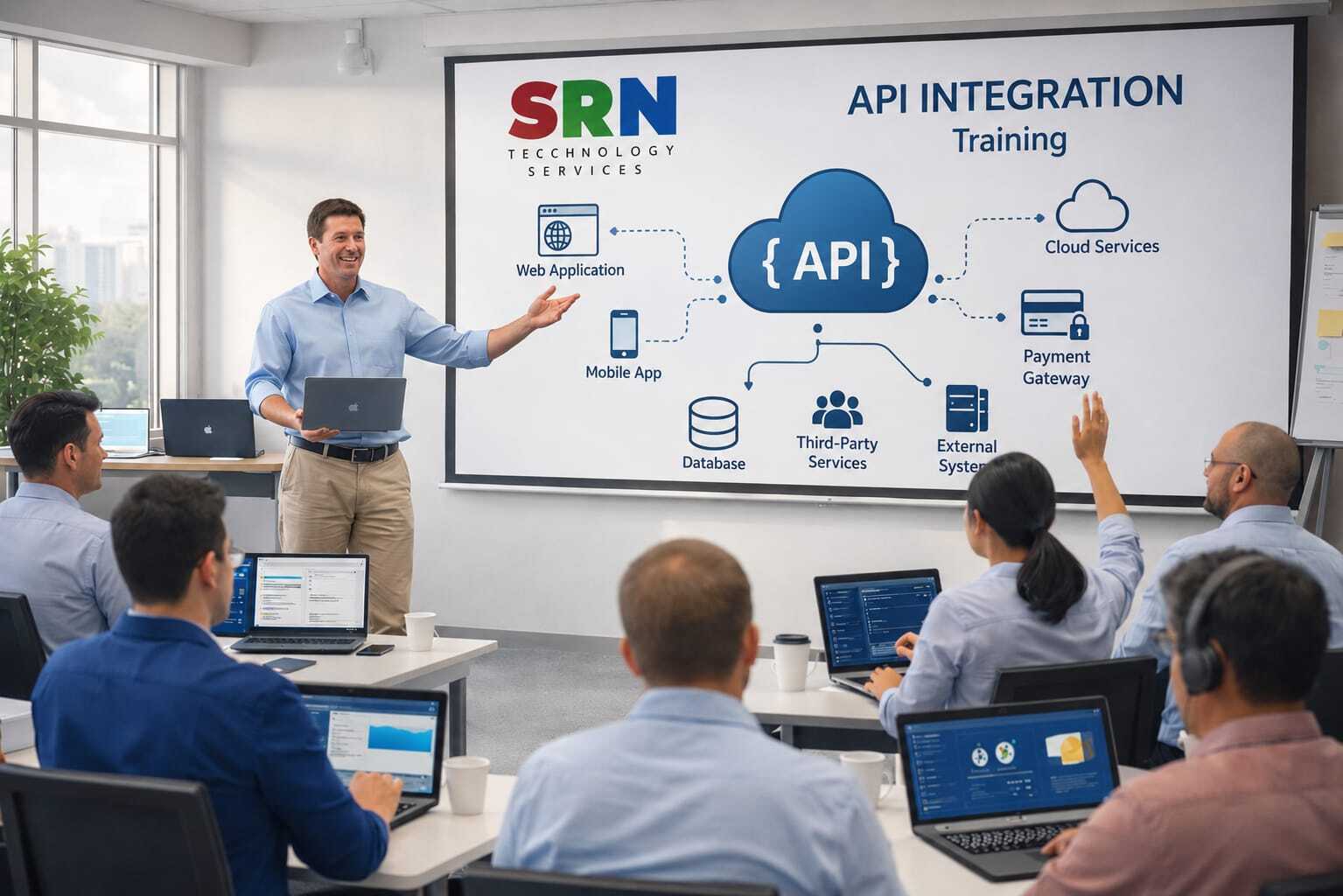
This API Integration Training is designed to provide a comprehensive understanding of integrating applications, services, and business systems using modern APIs. Participants will learn how to consume, create, secure, test, and manage RESTful APIs while integrating Microsoft Power Platform, Dynamics 365, Azure services, and third-party applications. The training includes hands-on exercises and real-world integration scenarios commonly used in enterprise environments.

Audience

This program is designed for:

  • Power Platform Developers
  • Dynamics 365 Developers
  • Azure Developers
  • Integration Specialists
  • Technical Consultants
  • Solution Architects
  • IT Professionals involved in application integrations

Pre‑requisites

To maximize learning outcomes, participants should have:

  • Basic understanding of web applications and business systems
  • Familiarity with HTTP, JSON, and web technologies is beneficial
  • Basic knowledge of Power Platform or Dynamics 365 is helpful
  • Understanding of programming concepts is advantageous but not mandatory
  • No prior API integration experience required

Key Benefits

  • Understand API architecture and integration concepts
  • Learn REST APIs, HTTP methods, request/response structures, and JSON payloads
  • Integrate Power Platform and Dynamics 365 with external systems
  • Work with authentication mechanisms such as OAuth 2.0, API Keys, and Azure AD
  • Build secure and scalable integration solutions
  • Test and troubleshoot APIs using tools such as Postman
  • Implement real-time and batch integration scenarios
  • Gain hands-on experience through real-world API integration projects
  • Follow enterprise integration best practices and security standards
  • Develop job-ready skills for modern application and cloud integration roles 

Curriculam

API Integration Training Curriculum (30 Hours)

Module 1: Introduction to API Integration (2 Hours)

  • Introduction to APIs and Web Services
  • Understanding API Architecture
  • Types of APIs (REST, SOAP, GraphQL)
  • API Lifecycle
  • Real-World Integration Scenarios
  • Business Use Cases

Module 2: HTTP and Web Service Fundamentals (3 Hours)

  • HTTP and HTTPS Protocols
  • Request and Response Structure
  • HTTP Methods (GET, POST, PUT, PATCH, DELETE)
  • HTTP Status Codes
  • Headers and Content Types
  • JSON and XML Fundamentals

Module 3: REST API Fundamentals (3 Hours)

  • REST Architecture Principles
  • Resource-Based Design
  • Query Parameters and Path Parameters
  • CRUD Operations
  • Pagination, Sorting, and Filtering
  • API Documentation using Swagger/OpenAPI

Module 4: API Testing with Postman (3 Hours)

  • Introduction to Postman
  • Creating and Managing Collections
  • Environment Variables
  • API Testing and Validation
  • Authorization Setup
  • Automation Testing using Postman

Module 5: API Security and Authentication (4 Hours)

  • API Security Concepts
  • API Keys and Subscription Keys
  • Basic Authentication
  • OAuth 2.0 Fundamentals
  • OpenID Connect (OIDC)
  • JWT Token Authentication
  • Azure Active Directory Authentication
  • Security Best Practices

Module 6: API Integration using C# and .NET (5 Hours)

  • Introduction to HttpClient
  • Consuming REST APIs
  • GET, POST, PUT, PATCH, and DELETE Operations
  • Serialization and Deserialization
  • Working with JSON Data
  • Exception Handling
  • Retry Logic and Resiliency
  • Integration with External APIs

Module 7: API Integration with Power Platform (4 Hours)

  • Power Apps API Integration
  • Creating and Using Custom Connectors
  • Power Automate API Integration
  • Calling External APIs from Flows
  • Authentication Configuration
  • Integration Best Practices

Module 8: Azure API Management (APIM) Basics (2 Hours)

  • Introduction to Azure API Management
  • Importing and Publishing APIs
  • API Policies
  • Authentication and Security
  • Monitoring and Analytics

Module 9: Advanced API Integration Concepts (2 Hours)

  • Webhooks
  • Event-Driven Architecture
  • Asynchronous Processing
  • API Versioning
  • Error Handling Strategies
  • Integration Best Practices

Module 10: Real-Time Project and Deployment (2 Hours)

  • End-to-End API Integration Solution
  • Third-Party API Consumption
  • Secure Authentication Implementation
  • Power Platform or .NET Integration Project
  • Testing and Troubleshooting
  • Deployment and Best Practices

Hands-On Exercises

  • Test APIs using Postman
  • Implement OAuth 2.0 Authentication
  • Consume APIs using C# and HttpClient
  • Create Power Platform Custom Connectors
  • Integrate External APIs with Power Apps and Power Automate
  • Publish APIs through Azure API Management
  • Implement Webhooks and Event-Based Integrations
  • Build a Complete API Integration Project

Training Outcome
Participants will gain practical experience in designing, testing, securing, and integrating APIs using industry-standard tools and technologies. They will learn how to work with REST APIs, Postman, OAuth 2.0, C#, .NET, Power Platform, and Azure API Management to build enterprise-grade integration solutions.

Enrollment Form

If you have no pending queries and feel confident after completing the trainer assessment session and reviewing earlier batch recordings, please proceed by filling out the form below to officially enroll in the SRNTS Training Program.

  • Are you interested to receive training related update over Whatspp & Gmail *

💬 Need Assistance?

If you have any questions about the training program or the enrollment process, our support team is here to help. You can reach us through the following channels:

  • 📱 WhatsApp Chat – Quick and convenient messaging support

  • 📞 Direct Call – Speak with our team instantly

  • 📧 Email Support – Get detailed assistance via mail