
Skip to searchSkip to main content
SRNTS

 Course Overview
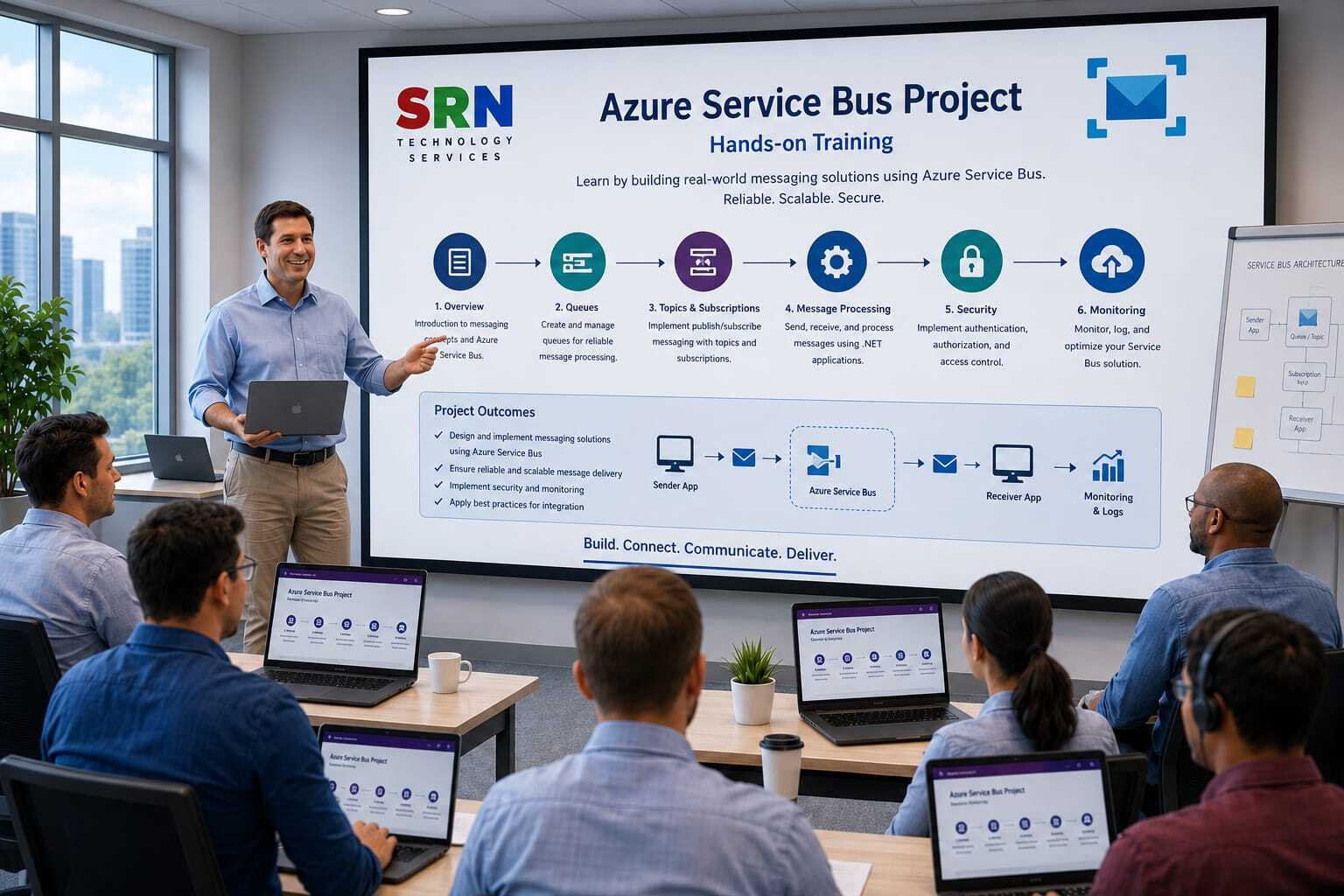
This training is designed to provide hands-on, real-world experience with Azure Service Bus by simulating enterprise integration scenarios and implementing end-to-end messaging solutions. Participants will learn how Azure Service Bus is used in actual projects to connect applications, process business transactions asynchronously, and build scalable, reliable, and decoupled systems. The training focuses on requirement analysis, solution design, implementation, monitoring, troubleshooting, and best practices. Students will work on a complete project that demonstrates how messages flow between multiple applications using queues, topics, subscriptions, dead-letter queues, and advanced messaging features.

 Audience
This training is ideal for:
Azure Developers
.NET Developers
Integration Developers
Cloud Engineers
Solution Architects
Technical Leads
DevOps Engineers
Middleware Engineers
Software Engineers working on distributed systems
Professionals preparing for Azure integration projects

 Pre‑requisites
Basic programming knowledge in C# or any programming language
Understanding of web applications and APIs
Familiarity with cloud computing concepts
Basic knowledge of Azure Portal
Understanding of Microservices Architecture
Experience with Azure App Services
Basic understanding of distributed systems

 Key Benefits
Technical Skills
Implement Queue and Topic-based messaging
Build Publisher and Subscriber applications
Configure advanced Service Bus features
Implement reliable message processing workflows
Handle failures and dead-letter scenarios
Project Experience
Gain experience working on a complete end-to-end project
Learn industry-standard architecture patterns
Understand production deployment considerations
Perform monitoring and troubleshooting activities
Career Benefits
Prepare for Azure Integration Developer roles
Gain practical project implementation experience
Strengthen Azure cloud architecture knowledge
Build confidence in handling enterprise messaging solutions

Project Requirement

Project Overview

Project Name

SRNTS Enterprise Learning & Placement Management Platform

Business Scenario

SRNTS operates multiple systems:

  • Power Platform (Dataverse)
  • Learning Management System (LMS)
  • Finance System
  • HR System
  • Placement Portal
  • Corporate Training Portal

Thousands of transactions occur daily:

  • Student Registrations
  • Course Enrollments
  • Fee Payments
  • Placement Activities
  • Certificate Generation
  • Referral Processing

Direct integration between systems causes:

  • Performance issues
  • System failures
  • Data synchronization delays
  • Timeout exceptions

To solve these challenges, SRNTS adopts an Event-Driven Architecture using Azure Service Bus.


Architecture Overview

Power Apps
|
Dataverse
|
Plugin / Power Automate
|
Azure Service Bus
|
----------------------------------
| | | |
LMS Finance HR System Azure Functions

Learning Objectives

Students will learn:

  • Queue-based architecture
  • Topic & Subscription architecture
  • Publish-Subscribe pattern
  • Message reliability
  • Dead Letter Queue handling
  • Retry mechanisms
  • Enterprise integrations
  • Service Bus with Power Platform

Business Modules

Module 1

Student Registration Queue

Requirement

When a student registers:

Create message in Service Bus Queue.

Consumer systems process:

  • LMS Account Creation
  • Welcome Email
  • CRM Updates

Concepts Covered

  • Queue Creation
  • Message Publishing
  • Message Consumption

Module 2

Enrollment Processing Queue

Requirement

When enrollment occurs:

Publish enrollment message.

Background service processes:

  • Batch Assignment
  • Learning Portal Setup
  • Student Notifications

Concepts Covered

  • Dataverse → Service Bus
  • Azure Function Consumer

Module 3

Fee Payment Processing

Requirement

After payment:

Send payment event to queue.

Consumers:

  • Finance System
  • Reporting System
  • Referral Engine

Concepts Covered

  • Asynchronous Processing
  • Integration Pattern

Module 4

Placement Notification Queue

Requirement

When placement record is created:

Send message.

Consumers:

  • HR Dashboard
  • Analytics System
  • Placement Reports

Concepts Covered

  • Queue Messaging

Module 5

Certificate Generation Queue

Requirement

Course completion generates message.

Azure Function:

  • Creates PDF
  • Stores certificate
  • Updates Dataverse

Concepts Covered

  • Long Running Operations

Topic & Subscription Scenarios


Module 6

Enrollment Event Topic

Requirement

When enrollment occurs:

Publish one message.

Subscribers:

  • LMS
  • Finance
  • Notification System
  • Reporting System

Concepts Covered

  • Topics
  • Subscriptions
  • Publish Subscribe Pattern

Module 7

Student Update Topic

Requirement

When student profile changes:

Notify multiple systems.

Subscribers

  • LMS
  • Placement Portal
  • Marketing Platform

Concepts Covered

  • Topic Routing

Module 8

Placement Event Topic

Requirement

Placement activity should notify:

  • Management Dashboard
  • Reporting System
  • Referral System

Concepts Covered

  • Multi Subscriber Architecture

Power Platform Integration


Module 9

Plugin to Service Bus

Requirement

Student Created Plugin:

Publishes message into Service Bus.

Concepts Covered

  • Azure Service Endpoint
  • Plugin Registration Tool

Module 10

Power Automate to Service Bus

Requirement

When corporate request is approved:

Publish message.

Concepts Covered

  • Service Bus Connector
  • Message Publishing

Module 11

Canvas App Integration

Requirement

User submits bulk records.

App pushes requests into queue.

Concepts Covered

  • Custom Connector
  • Service Bus API

Module 12

Power Pages Integration

Requirement

Portal requests processed asynchronously.

Concepts Covered

  • Portal → API → Service Bus

Azure Function Consumers


Module 13

Student Processor Function

Requirement

Queue message creates:

  • Student Profile
  • LMS Account

Concepts Covered

  • Service Bus Trigger

Module 14

Payment Processor Function

Requirement

Process payments asynchronously.

Concepts Covered

  • Queue Trigger

Module 15

Placement Processor Function

Requirement

Update reporting database.

Concepts Covered

  • Background Processing

Reliability & Error Handling


Module 16

Dead Letter Queue

Requirement

Invalid messages should move to DLQ.

Example

Missing student email.

Concepts Covered

  • DLQ
  • Message Investigation

Module 17

Retry Framework

Requirement

Retry failed transactions.

Concepts Covered

  • Retry Policies
  • Error Recovery

Module 18

Duplicate Message Handling

Requirement

Avoid duplicate processing.

Concepts Covered

  • Message Id
  • Idempotency

Module 19

Message Expiry

Requirement

Interview scheduling message expires after 24 hours.

Concepts Covered

  • TTL
  • Expiration

Module 20

Poison Message Handling

Requirement

Invalid messages moved to special queue.

Concepts Covered

  • Failure Isolation

Advanced Enterprise Scenarios


Module 21

Bulk Student Import Architecture

Requirement

Import 50,000 students.

Process through queues.

Concepts Covered

  • High Volume Processing

Module 22

Event-Driven Reporting

Requirement

Generate reports using events.

Concepts Covered

  • Event Streaming

Module 23

Multi-System Synchronization

Requirement

Sync data between:

  • Dataverse
  • LMS
  • ERP

Concepts Covered

  • Integration Architecture

Module 24

Audit Event Framework

Requirement

Publish audit events.

Concepts Covered

  • Enterprise Logging

Module 25

Enterprise Notification Hub

Requirement

Single topic for:

  • Email
  • SMS
  • WhatsApp
  • Teams

Concepts Covered

  • Notification Architecture

Azure Service Bus Features Covered

Queues

Used for:

  • One-to-One Communication

Examples:

  • Student Processing
  • Payment Processing

Topics

Used for:

  • One-to-Many Communication

Examples:

  • Enrollment Events
  • Placement Events

Subscriptions

Used for:

  • Independent Consumers

Examples:

  • Reporting
  • LMS
  • Notifications

Dead Letter Queue

Used for:

  • Failed Messages

Sessions

Used for:

  • Ordered Processing

Example:

Student Enrollment Workflow


Message Scheduling

Used for:

  • Delayed Processing

Example:

Reminder Notifications


Real-Time Power Platform Scenarios

Students will understand:

Why Plugins Should Not Perform Heavy Processing

Instead:

Plugin
|
Service Bus
|
Azure Function

Why Power Automate Should Not Handle Large Volumes

Instead:

Power Automate
|
Service Bus
|
Consumer Services

Enterprise Integration Pattern

Dataverse
|
Plugin
|
Service Bus Topic
|
-----------------------------------
| | | |
LMS Finance Reporting Notifications

Monitoring & Troubleshooting

Topics Covered:

  • Service Bus Explorer
  • Azure Monitor
  • Application Insights
  • Queue Metrics
  • Message Tracking
  • Dead Letter Queue Analysis

Security Topics

  • Shared Access Policies
  • SAS Keys
  • Managed Identity
  • Azure AD Authentication
  • Network Security

DevOps & Deployment

  • ARM Templates
  • Bicep
  • CI/CD Pipelines
  • Environment Configuration
  • Infrastructure as Code

Training Outcome

By the end of this project, participants will be able to:

  • Design enterprise-grade asynchronous architectures.
  • Integrate Dataverse, Plugins, Power Automate, Power Pages, and Canvas Apps with Azure Service Bus.
  • Build scalable and reliable event-driven solutions.
  • Handle high-volume transactions and integrations.
  • Implement retry, dead-lettering, and fault-tolerant processing.
  • Architect real-world Dynamics 365 and Power Platform integrations.

Enrollment Form

If you have no pending queries and feel confident after completing the trainer assessment session and reviewing earlier batch recordings, please proceed by filling out the form below to officially enroll in the SRNTS Training Program.

  • Are you interested to receive training related update over Whatspp & Gmail *

💬 Need Assistance?

If you have any questions about the training program or the enrollment process, our support team is here to help. You can reach us through the following channels:

  • 📱 WhatsApp Chat – Quick and convenient messaging support

  • 📞 Direct Call – Speak with our team instantly

  • 📧 Email Support – Get detailed assistance via mail