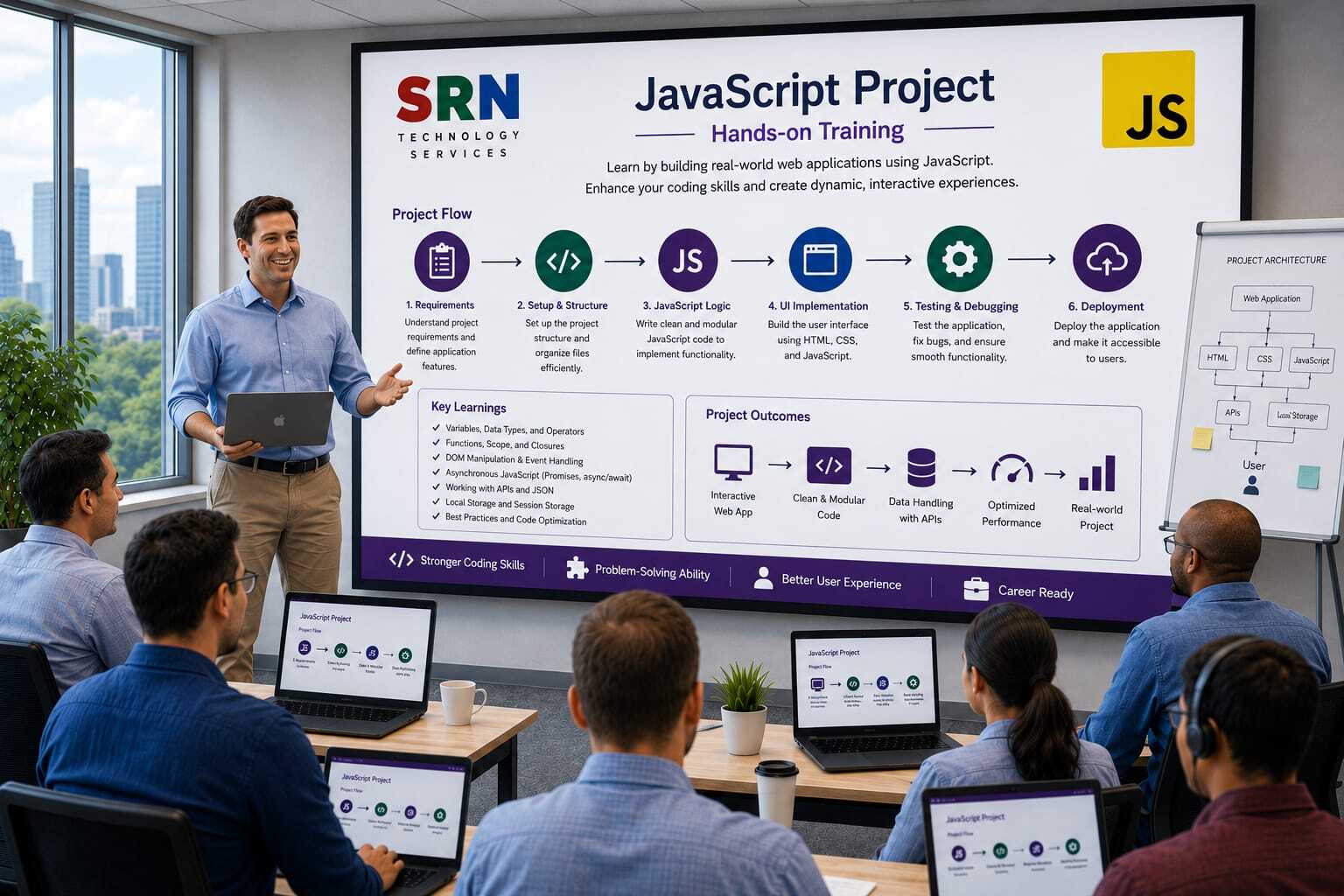
Project Name
SRNTS Learning & Placement Management System
Business Scenario
SRNTS manages:
- Student Registration
- Course Enrollment
- Batch Management
- Trainers
- Placements
- Corporate Training
- Job Support Services
The management wants a highly interactive user experience in Dynamics 365 Model-Driven Apps.
Various business requirements need to be implemented using JavaScript to improve:
- User Productivity
- Data Quality
- User Experience
- Automation
- Validation
Tables
Student
- Student Name
- Mobile Number
- Email
- Experience
- Skill Set
Enrollment
Placement
- Company
- Package
- Interview Date
Trainer
- Name
- Technology
- Experience
JavaScript Requirements
Module 1
Auto Calculate Age
Requirement
When Date of Birth changes:
Age should be calculated automatically.
Concepts Covered
- OnChange Event
- Date Functions
- Form Context
Module 2
Mobile Number Validation
Requirement
Validate:
- Only Numbers
- Exactly 10 Digits
Show error message immediately.
Concepts Covered
- Regular Expressions
- setNotification()
- clearNotification()
Module 3
Dynamic Field Visibility
Requirement
If Experience > 5 Years
Show:
- Current Company
- Team Size Managed
Otherwise hide them.
Concepts Covered
Module 4
Dynamic Required Fields
Requirement
If Student Type = Corporate
Make fields mandatory:
Concepts Covered
Module 5
Auto Populate Course Fee
Requirement
When Course is selected:
Automatically fetch Course Fee.
Concepts Covered
- Xrm.WebApi.retrieveRecord()
- Async Programming
Module 6
Auto Calculate Balance Amount
Requirement
Balance Amount =
Total Fee - Paid Amount
Real-time calculation on form.
Concepts Covered
- Form Calculations
- Multiple Field Events
Module 7
Duplicate Mobile Number Check
Requirement
Before saving:
Check whether mobile number already exists.
Concepts Covered
- Xrm.WebApi.retrieveMultipleRecords()
- Save Event Validation
Module 8
Prevent Weekend Enrollment
Requirement
Enrollment date should not be:
Concepts Covered
- Date Validation
- Prevent Save
Module 9
Batch Capacity Validation
Requirement
If batch capacity reaches 30:
Prevent further enrollments.
Concepts Covered
- Web API Calls
- Business Validation
Module 10
Trainer Experience Display
Requirement
When trainer is selected:
Display:
Without opening trainer record.
Concepts Covered
Module 11
Dynamic Tabs
Requirement
Show Placement Tab only when:
Student Status = Completed
Concepts Covered
- Tab Manipulation
- UI Customization
Module 12
Ribbon Button Development
Requirement
Create button:
"Generate Certificate"
Concepts Covered
- Ribbon Workbench
- Command Bar Customization
- JavaScript Actions
Module 13
Open Custom Dialog
Requirement
When user clicks:
"Refer Student"
Open custom dialog.
Concepts Covered
- Xrm.Navigation.navigateTo()
Module 14
Bulk Student Verification
Requirement
Button:
"Verify Documents"
Should update selected records.
Concepts Covered
- Grid Ribbon Button
- Bulk Operations
Module 15
Custom Progress Indicator
Requirement
While processing records:
Show loading screen.
Concepts Covered
- showProgressIndicator()
- closeProgressIndicator()
Module 16
Auto Create Follow-up Task
Requirement
Button:
"Schedule Follow-up"
Creates Task automatically.
Concepts Covered
- Xrm.WebApi.createRecord()
Module 17
Student Dashboard Redirection
Requirement
After enrollment:
Redirect user to Student Dashboard.
Concepts Covered
Module 18
Subgrid Validation
Requirement
Student cannot be marked completed until:
At least one payment record exists.
Concepts Covered
- Subgrid Data Retrieval
- Save Validation
Module 19
Business Process Flow Automation
Requirement
Move BPF stage automatically when:
Fee Payment Completed
Concepts Covered
- process.moveNext()
- BPF Scripting
Module 20
Course Recommendation Engine
Requirement
Based on skills selected:
Recommend courses automatically.
Example:
Power Platform → Advanced Plugin
Azure → Azure Developer
Concepts Covered
- JSON Mapping
- Dynamic Suggestions
Advanced JavaScript Requirements
Module 21
Multi-Level Approval UI
Display approval history in form.
Concepts
Module 22
Integration with External API
Fetch certification details from external system.
Concepts
Module 23
Custom Validation Framework
Create reusable validation library.
Concepts
- Modular JavaScript
- Namespace Pattern
Module 24
Generic Notification Framework
Reusable notification engine.
Concepts
- Utility Classes
- Common Functions
Module 25
Enterprise JavaScript Framework
Build production-ready framework:
- Namespace Structure
- Constants File
- Utility Library
- API Helper Functions
- Error Handling
Concepts
- Real Project Architecture
- Best Practices
- Reusable Components
Advanced Topics Covered
Client API
- Form Context
- Execution Context
- Attributes
- Controls
- Tabs
- Sections
Web API
- Retrieve Record
- Retrieve Multiple
- Create Record
- Update Record
- Delete Record
Ribbon Customization
- Command Bar
- Enable Rules
- Display Rules
Dialogs
- Custom Pages
- Modal Windows
Debugging
- Browser Developer Tools
- Console Logging
- Network Monitoring
Real-Time Project Exposure
Students will learn:
- How JavaScript requirements are gathered from clients.
- How to structure enterprise-level JavaScript libraries.
- How to optimize form performance.
- How to use asynchronous programming with Dataverse.
- How JavaScript interacts with Plugins, Power Automate, Business Rules, and Custom APIs.